
Steam



Zhiuwu


UX Design Intern
(1)

Apex Legends
UX Design
(2)

Mech Believe MEGA BRAWL!!

All Good Things
UI/UX
(5)

The Wind and the Wisp
The Wind and the Wisp

STARWEAVE

Social Moth

Awkward Turtle

Bounty Heart
Concept Art
(4)
The Wind and the Wisp
STARWEAVE

Drenched
Social Moth

The Wind and the Wisp
USC Games
May 2024 - August 2025
Unity Engine
PC & Mac


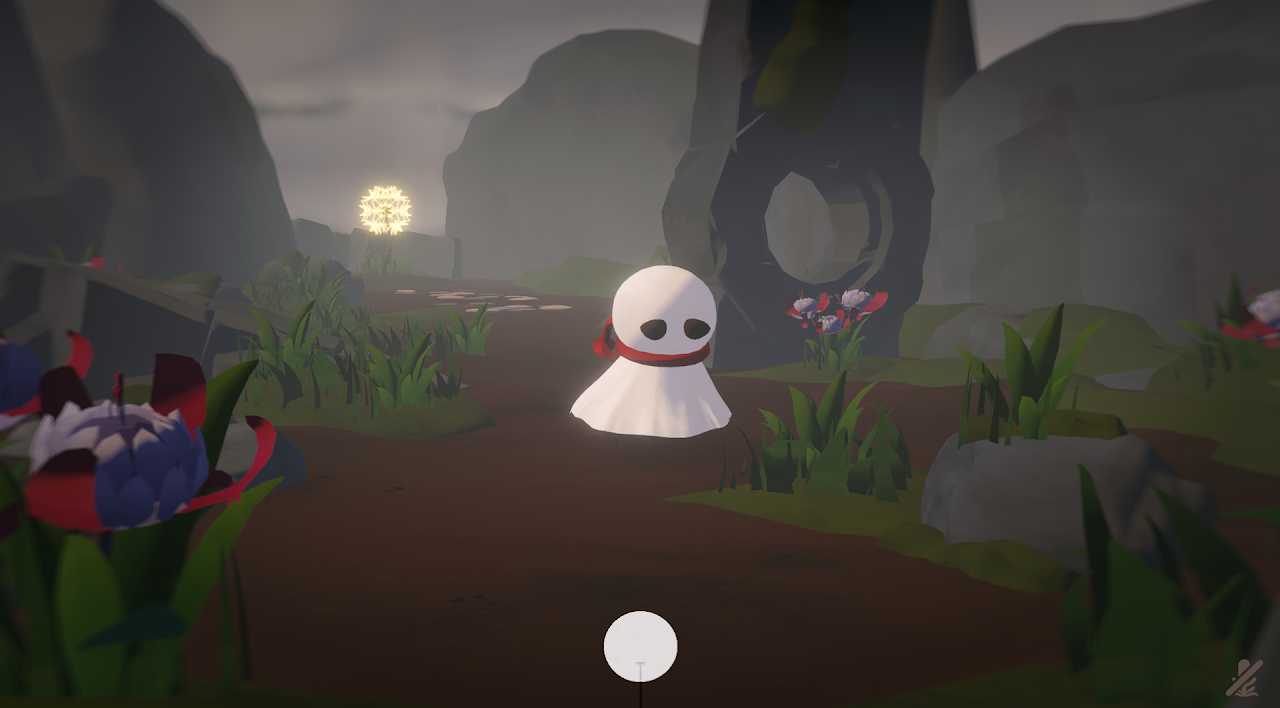
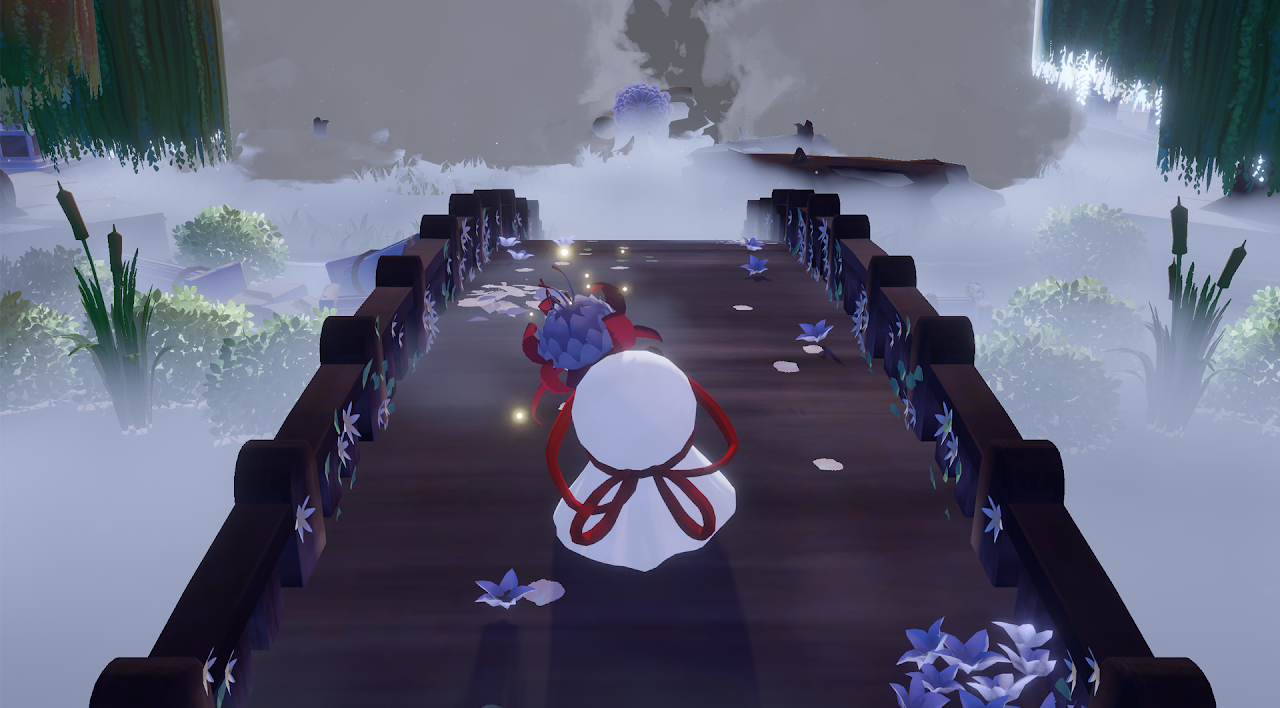
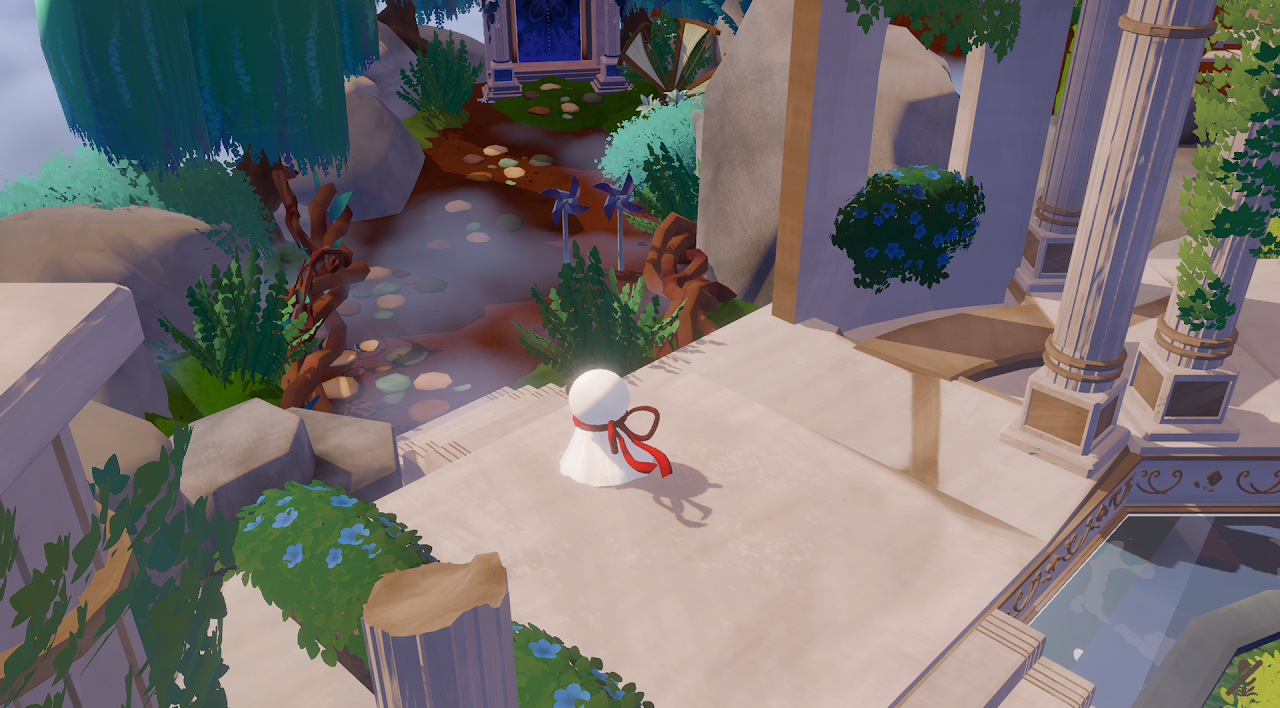
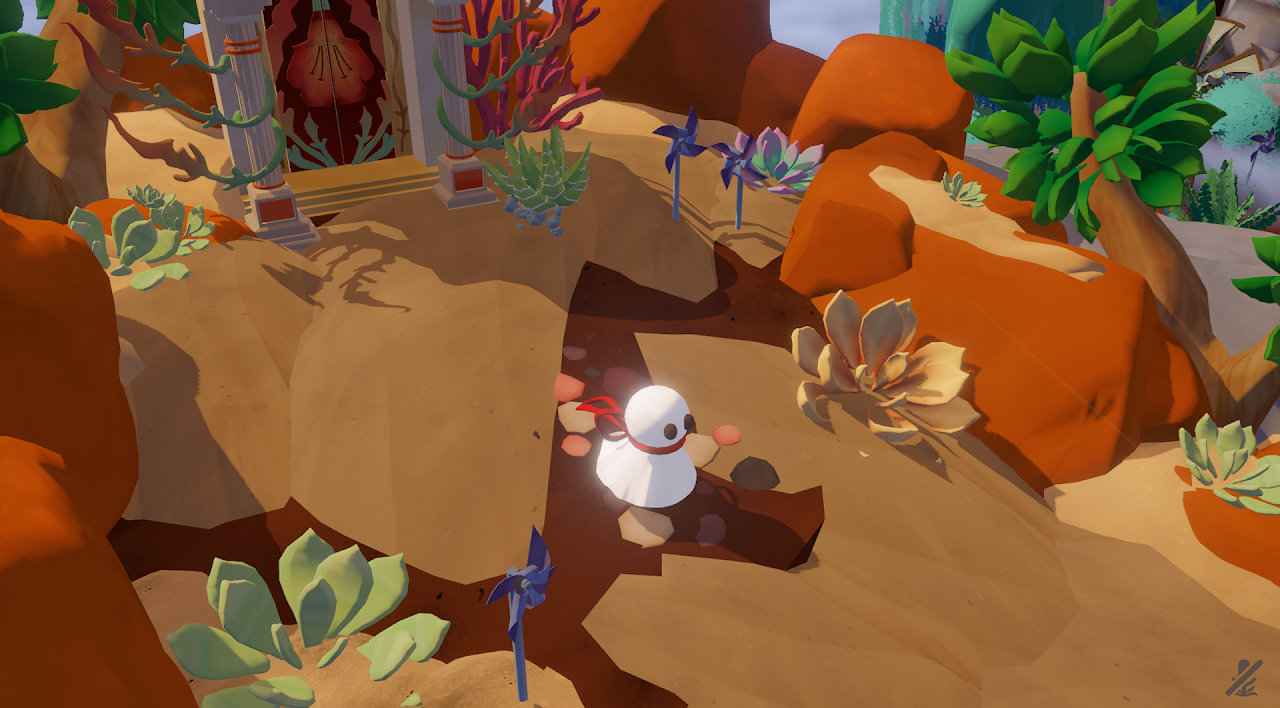
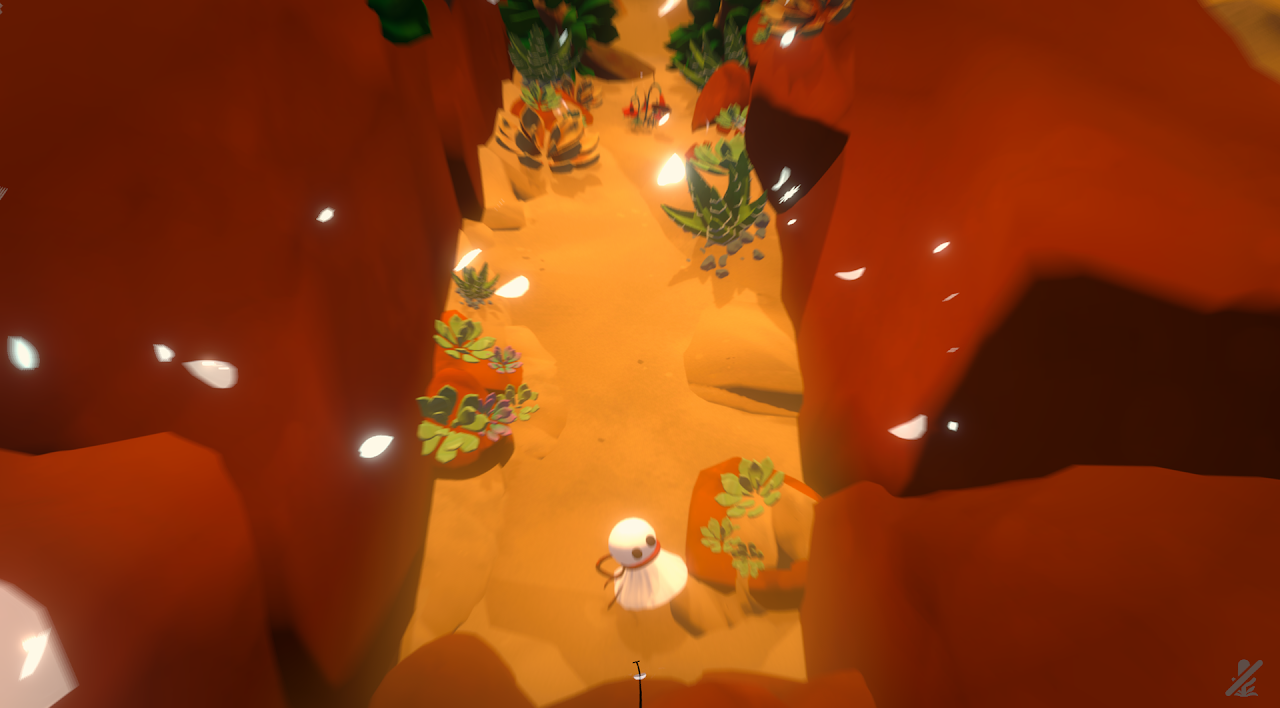
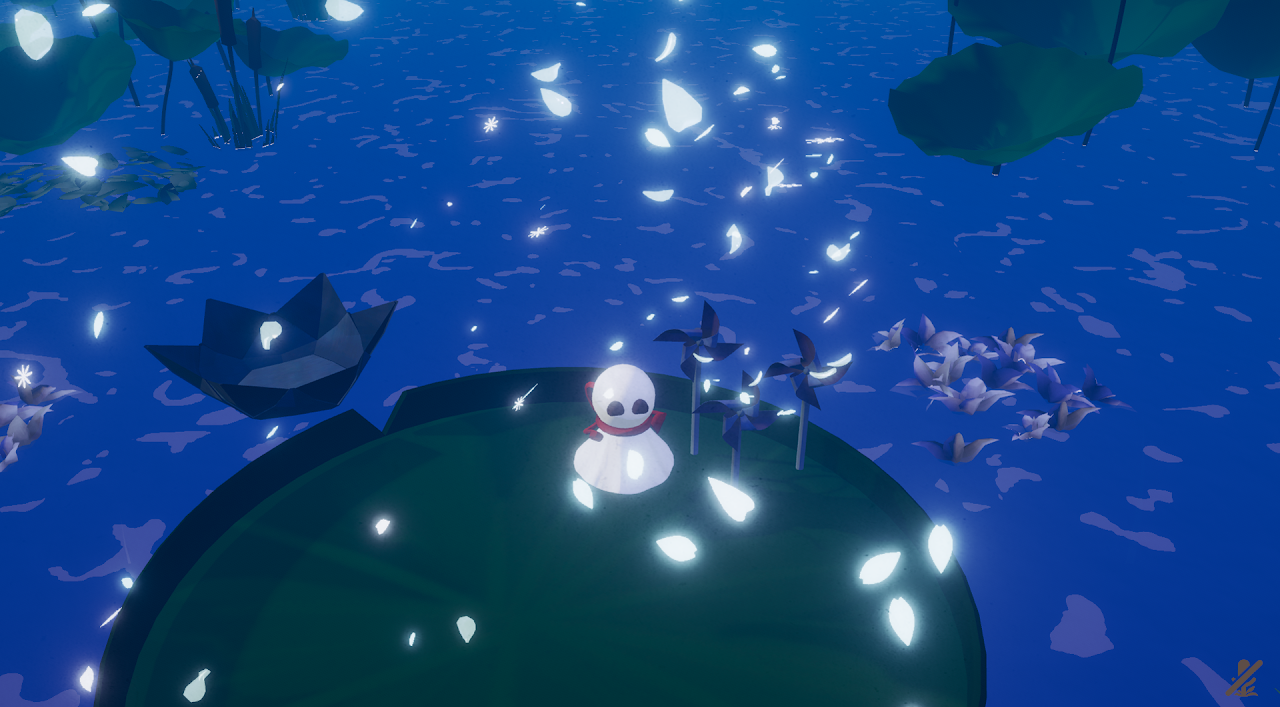
A 3D adventure game about blowing into the microphone. Join the Wind, a non-corporeal petal breeze, and the Wisp, a little white ghost with a red ribbon, on their journey to repair a mysterious broken garden.
Team
Me
UI/UX, Concept Artist
Sammy Chuang
Director
John Mross
Producer
Shelby Zhang
Art Lead
Jack So
Usabiliy Lead
Anooj Vadodkar
Engineering Lead
Bernice Wang
Design Lead
Joh "Johh" Chung
Audio Lead
30+ Members, 5 Teams
Tools
Figma
Clip Studio Paint
Blender
Unity Engine
Github
Skills
Wireframing
Prototyping
Visual Interface Design
Data Analysis
Trailer
Released August 11th, 2025
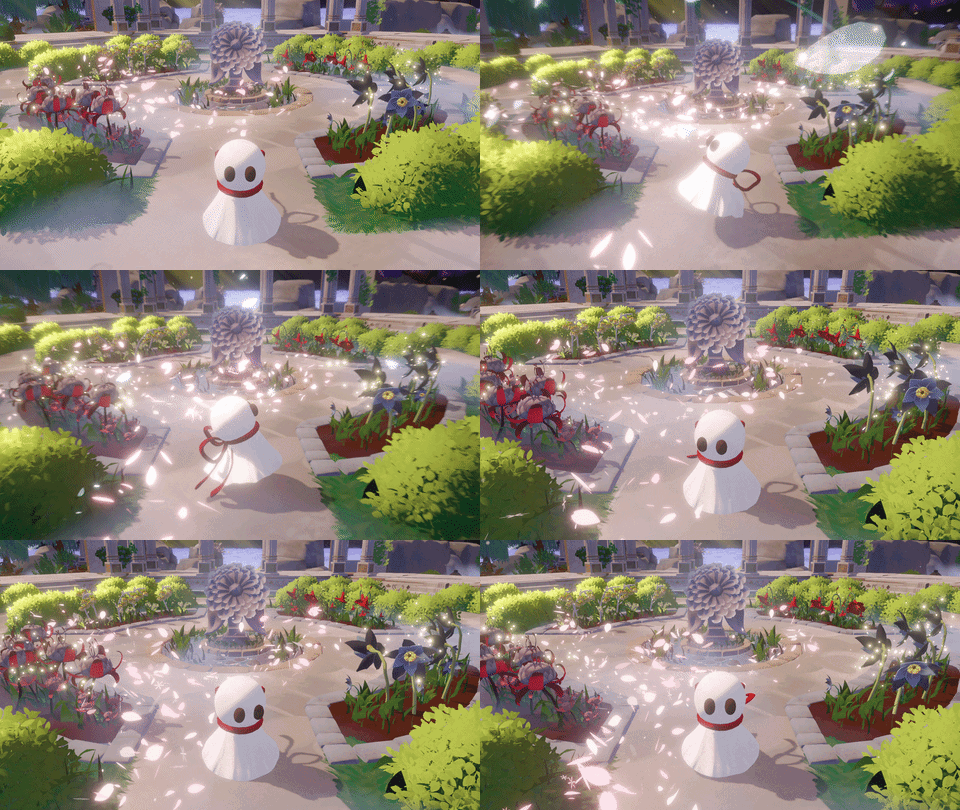
The Wind and the Wisp is a 3D, alt control adventure game about blowing into the microphone. Through the combination of traditional input methods and blowing into the microphone, control the Wisp, a little white ghost with a red ribbon, and the Wind, a non-corporeal petal breeze, on their journey to repair a mysterious broken garden. The pair adventure and collect flowers that have unique mechanics that can be activated by the blowing mechanic and use them to repair the broken garden one flower at a time.
The Task
Blank Slate
The Wind and The Wisp was the first thesis project I worked on where I started from a nearly blank slate. While it did have a bare bones calibration sequence, anything beyond that, it was unsure how much other UI/UX work the game needed entirely. As game development continued, obvious problems were starting to pop up:
Problem(s)
- Players do not have a proper onboarding for microphone, and overall game mechanics.
- Lack of iconography to show if microphone is being detected and when to blow into the microphone.
- Utilize Wind as a character and mechanic that feels impactful, but not tiring or repetitive.
Task(s)
- Create user flow for microphone calibration and work with game designer to create tutorial.
- Design cohesive, understandable HUD for microphone detection and different flower mechanics.


References
Simple, & Subtle
We wanted to follow the footsteps of similar visually pleasing narrative games like Gris, Neva, and Abzu. Keep the aesthetics of the UI relatively simple. We don't want the UI to take away from the game but still communicate to the player effectively.
- Simple fonts. Avoid serif at all costs.
- Assets should not be overly decorative, leaning towards more simple shapes other than flower motifs.
- Flat colours. No gradient. No drop shadow.

Iterations
Midfi
The most difficult time I had while doing iteration was the calibration sequence and in-game tutorial. As at this time, we wanted to experiment how players react to the narrative heavy story/dialogue.
- Due to locally saving data, we used Before Your Eyes as reference for calibration.
- Taking into account for if player fails the calibration. How can they change microphone if it fails multiple times? If they restart where in the calibration do they restart?
- Along with filtering out talking so the microphone can detect only blowing, adding in a sensitivity bar/threshold similar to Discord may help players determine how easy it is to pick up their blowing.
- How do we separate character dialogue to tutorial dialogue? Is there a distinct way we can have the player realize the character dialogue is a separate character named Wind and not Wisp? Could we combine narrative with tutorial, making it feel more like a natural conversation?


design system
Style Guide
For the style guide I wanted to lean towards warmer colour tones. The more decorative parts of the UI, I decided to go for pinks to act as a derivative to Wisp's red ribbon.

iterations
Hifis
As everything was becoming much more established, mocking up the hifis turned out to be a much smoother process. There were more decisions to cut and simplify rather than adding on top.
- Other than tutorial tips, dialogue is removed as it was decided that the storytelling will be less concrete similar to Journey and Gris.
- Using casual tones during tutorial also did not have reactions we wanted to. Players were only more confused with information not really sticking with them. So, we decided to shift the tone to be more straightforward.
- The "E" interaction button floating UI will only be an arrow far away, indicating that the object is interactable. As the player gets closer the "E" will fade in.
- Calibration will be simplified and the large block paragraph was split into two.
- One screen is the consent section, giving the players a choice to play with or without microphone. So even though we promote alt control, we allow those who do not have a microphone to play the game.
- Microphone selection and the addition of Push to Talk toggle are in the second half.
- Calibration fail state will give players option to restart calibration or going back to the screen where they can choose to play with or without the microphone.
- This will act as a failsafe so if players are experience oddities with their microphone they won't be soft-locked by the calibration sequence.
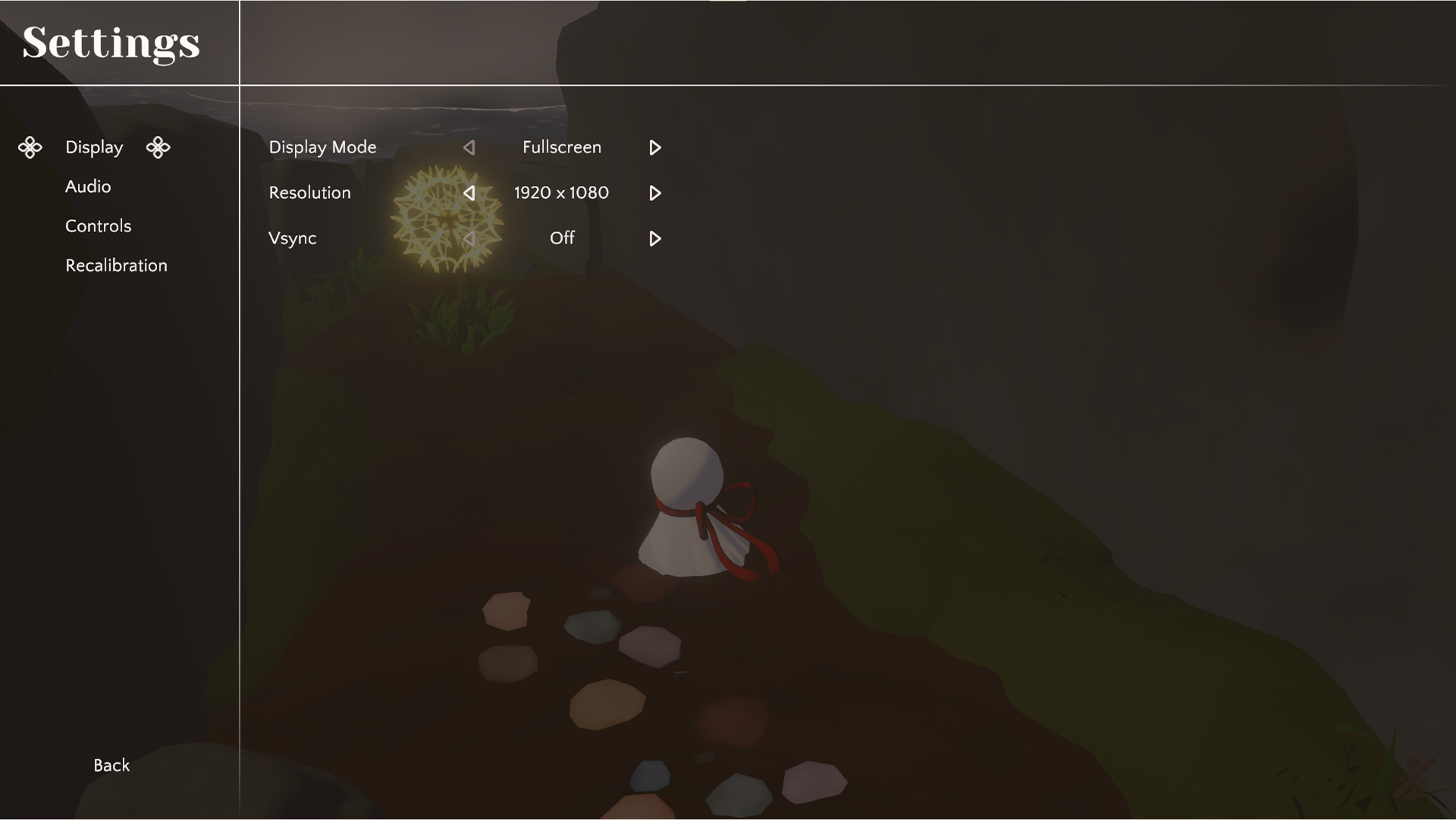
- Controls settings page simplified as players will not be able to customize keybinds.
- Microphone settings originally under Controls gets shifted down to its own category allowing us to merge it with Recalibration and puts all microphone settings on one screen.


Polish
Final
For the screens like the main and pause menu we kept the style of the UI much more clean, simple, and vectors. However, for the HUD relating to the microphone, like the flower mechanics, it is a hand drawn, lineless, flat style with animatic animation. This is to hope while the styles are distinct it still feels cohesive together.
Working together with the engineers, I helped implement the assets as they start building the UI canvas based on the hifis provided by me. There were some changes made past the hifi stage based on playtest feedback and data as well as slight difference(s) that could be considered nitpicky.
- Calibration screen, the sensitivity bar was removed as players weren't sure if it was having any actual effect on their ability to blow into the microphone.
- Font size increased to provide better readability.
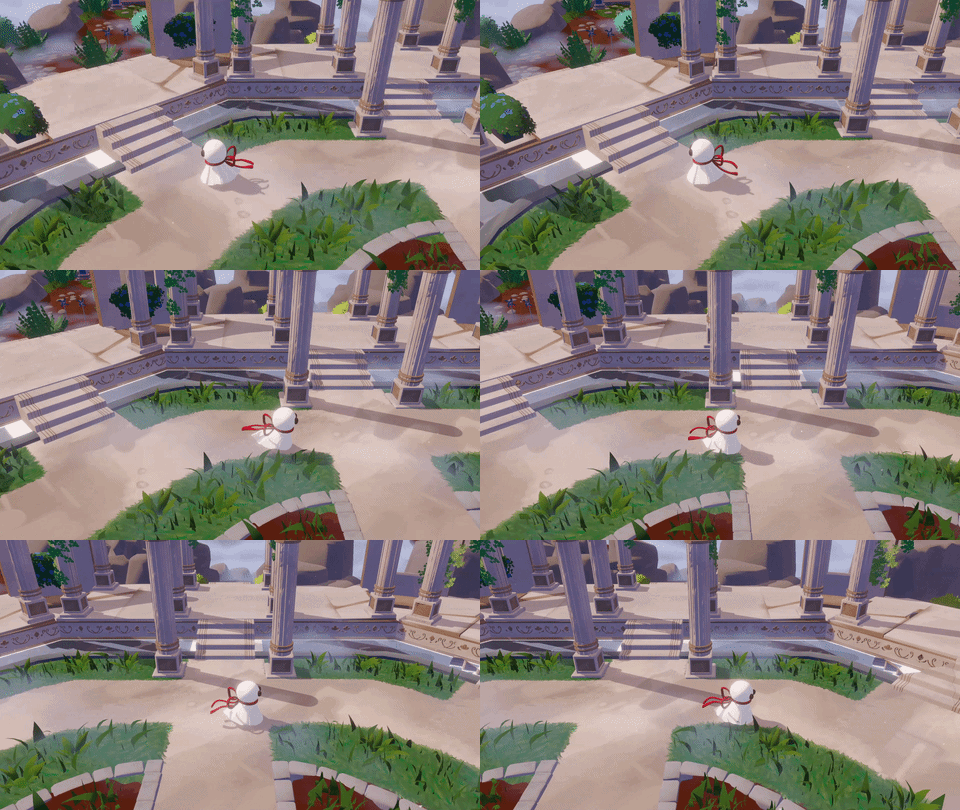
- While keeping the player in control of Wind to solve puzzles, we also utilized it as a hint system to show players where they need to go next.
- This also promotes players in playing around with the blowing mechanic as there are subtle environmental objects that react to Wind.




The End
Ending Thoughts
This project honestly has been quite the joy working on. I've always been quite fond of dialogue-less narrative games and how they utilize the game's environment to pull the player along. Because this game has an addition to being having an alt control, we had to think of ways to utilize tech art, VFX, and UI/UX to represent the player's action effecting the game's world.
Typically within student projects many of the disciplines will not interact with each other, only there to gain experience from the project and if there are any issues it would be up to the producer or director to act as the middleman. In this team it was so easy to be able to ask questions, clarification, and share thoughts with no worries of anyone taking anything personal. Everyone wanted this game to succeed and just looking how we all interact with each other is an amazing example of that.
I realized that UX design isn't just about the HUD players see it's about the entirety of the player experience within the game space. While, yes, it is large part of it UX all-in-all is a design role. There are much more things to considering if having UI does not solve the issue alone. Taking what I've learned, I hope to continue to be able to tackle issues with different perspectives. I want to take UX design as something beyond just what the players see on their screen and to be immersive to their experience without having to second guess. I want players to explore with no hesitation whether that be the game itself or the HUD with ease.
controller

Supports Your Microphone
This game should work great with your microphone.

Supports Your controller
This game should work great with your controller.

headphones recommended
For the best auditory experience, we recommend wearing headphones.
additional content
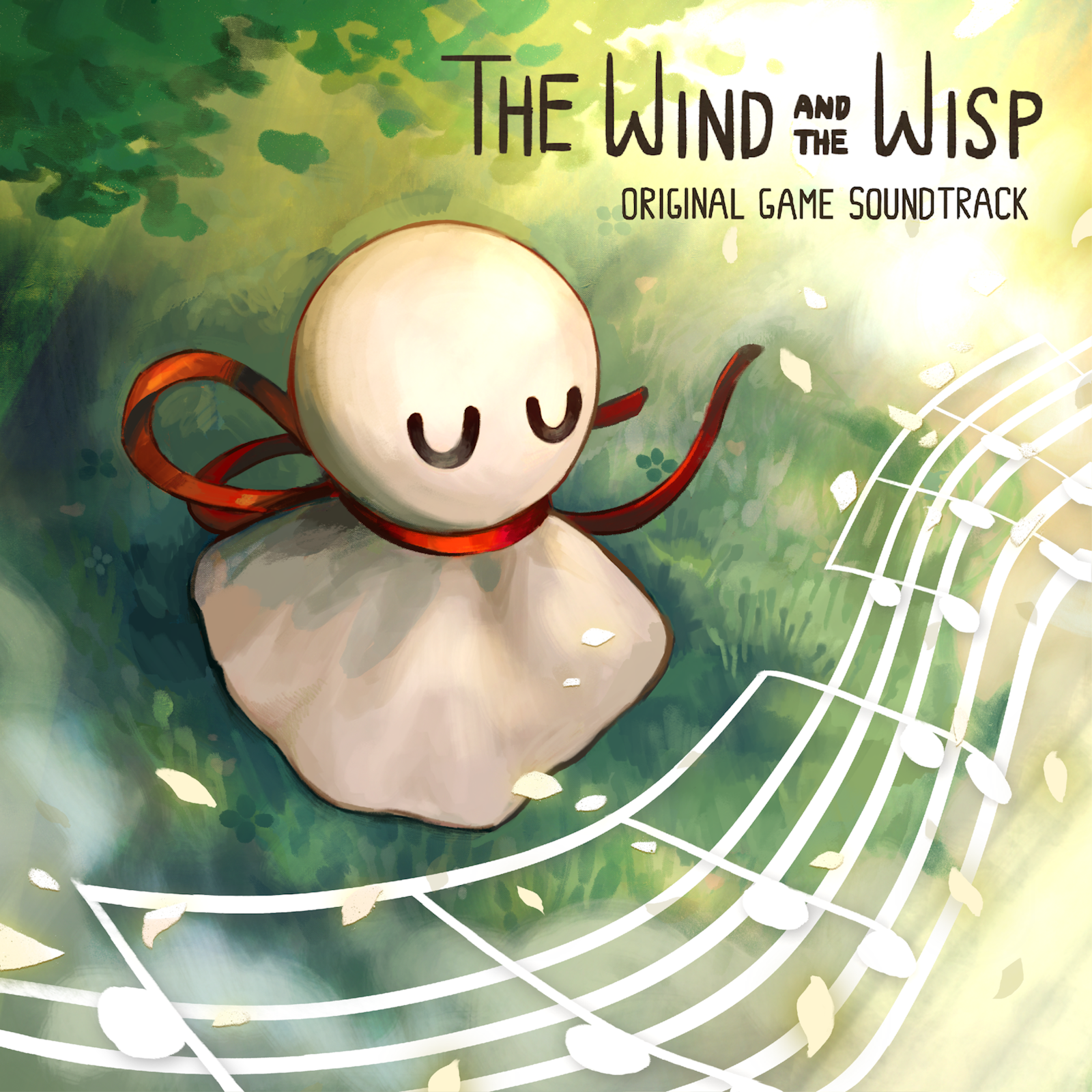
The Wind and the Wisp Soundtrack
10 track / 23:35
recordings and screenshots

Start


00
:
00
AM