
Steam



Zhiuwu


UX Design Intern
(1)

Apex Legends
UX Design
(2)

Mech Believe MEGA BRAWL!!

All Good Things
UI/UX
(5)

The Wind and the Wisp

STARWEAVE

Social Moth

Awkward Turtle

Bounty Heart
Concept Art
(4)
The Wind and the Wisp
STARWEAVE

Drenched
Social Moth

Mech Believe MEGA BRAWL!!
USC Games
September 2025 - May 2026
Unity Engine
Windows


Relive the greatest battles of your childhood through arena combat! Build your own toy mech to battle it out amongst playground rivals. In Mech Believe Mega Brawl your imagination styles a scrappy mech into a machine capable of destroying the toughest toy soldiers, building blocks, and model trains!
Team
Me
UX Designer
Nile Imtiaz
Director
Jason Allen
Producer
Eggsy Zhang
Art Lead
Kennedy Thompson
Engineering Lead
Eric Park
Design Lead
Connor Zielinski
QA Lead
30+ Members, 5 Teams
Tools
Figma
Unity Engine
Github
Skills
Wireframing
Prototyping
Visual Interface Design
Trailer
Coming Soon
Mech Believe MEGA BRAWL!! is a 3D action roguelike about kids playing with toys. Construct your own robot to take into battle against rival toys, and fight through multiple waves to come out on top. As you progress, unlock a variety of new robot parts and stickers that you can equip to give you powerful new abilities!
The Task
Childlike Wonder
A large part of Mech Believe MEGA BRAWL is giving players that nostalgic feeling of being a kid again. To help achieve that I worked on two important screens: Build-A-Bot, and combat HUD.
Problem(s)
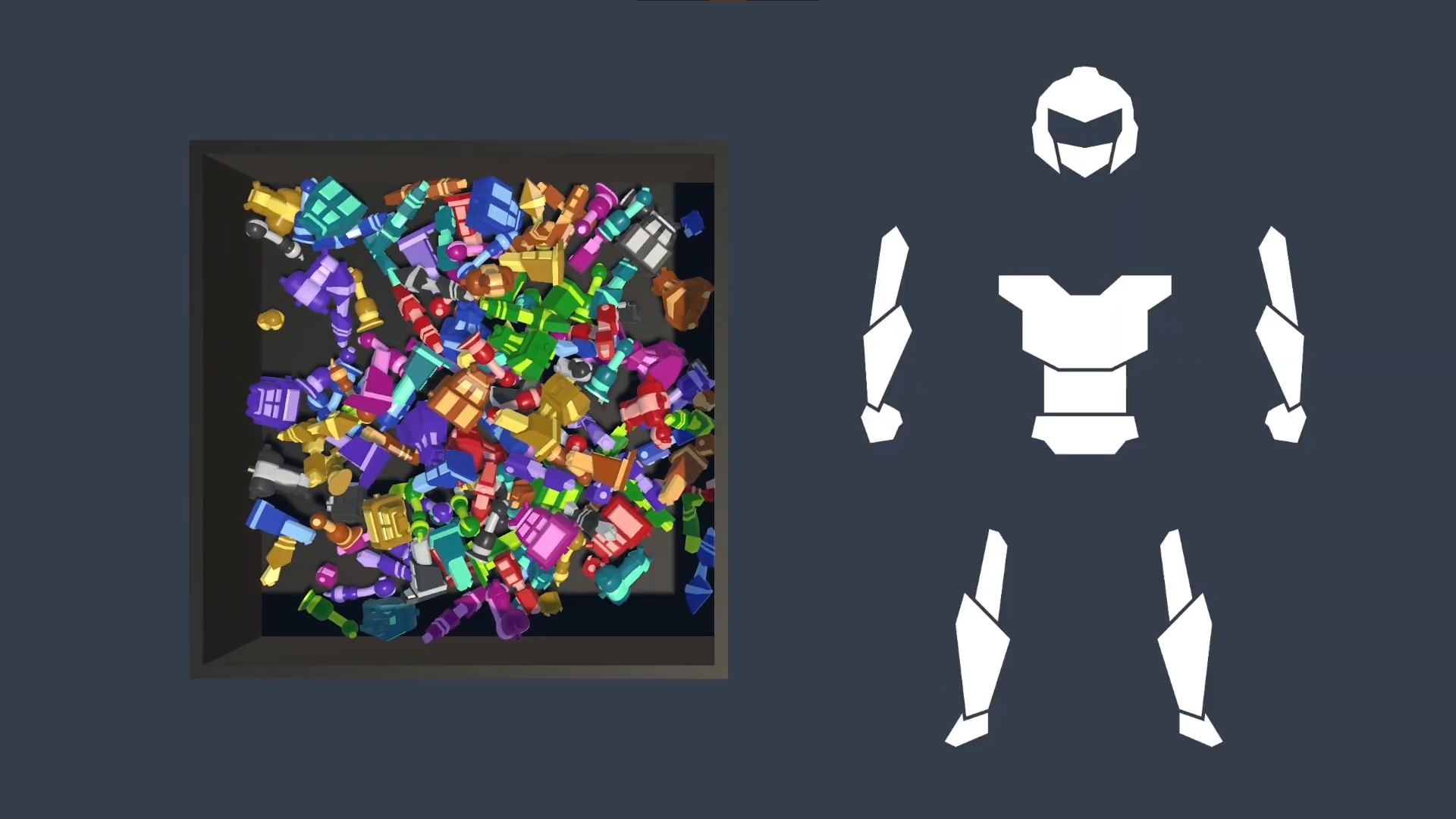
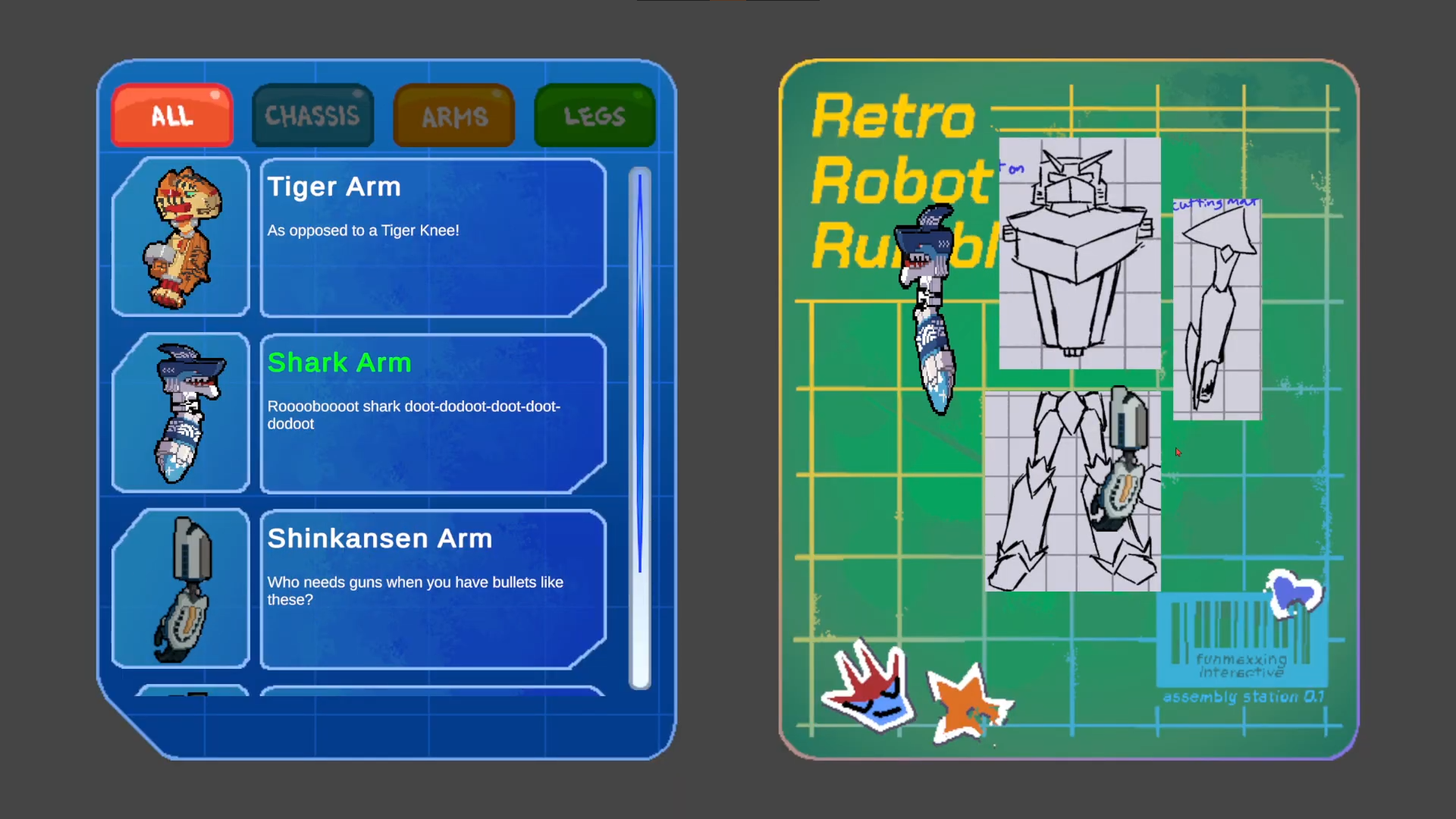
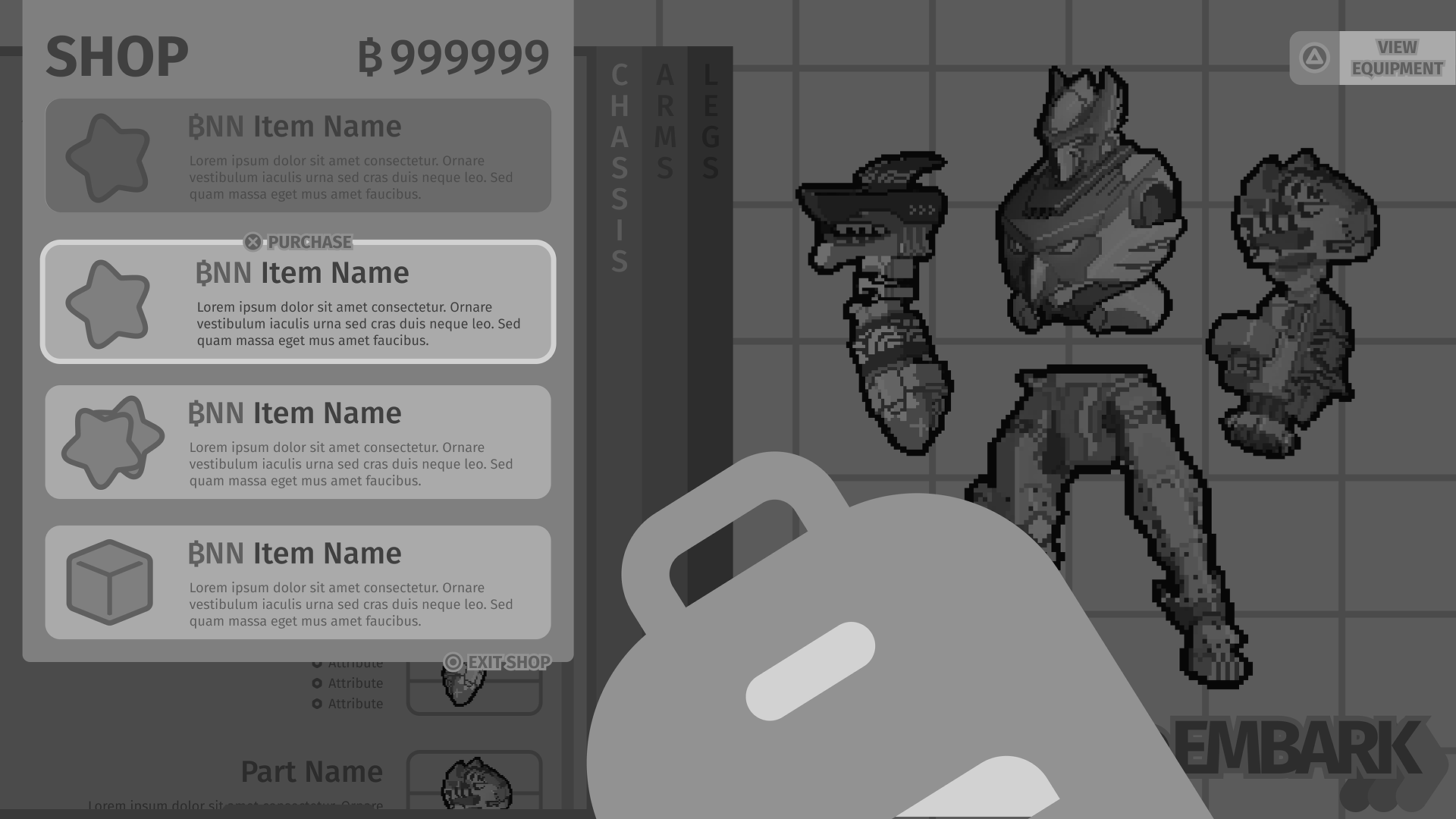
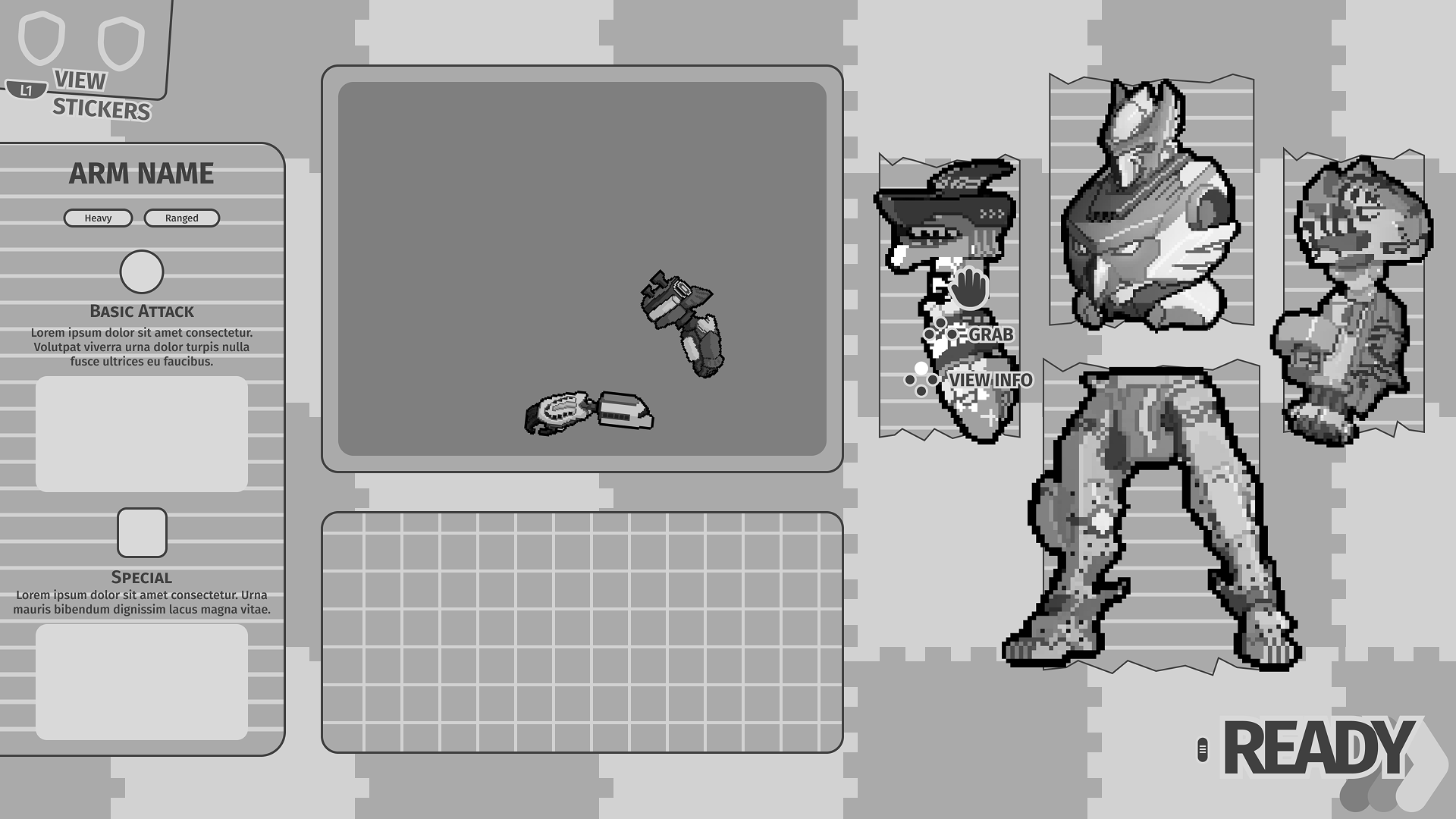
- Build-A-Bot screen did not strike a balance between being a kid with a toy box and an organized space to pick out the robot pieces player wants.
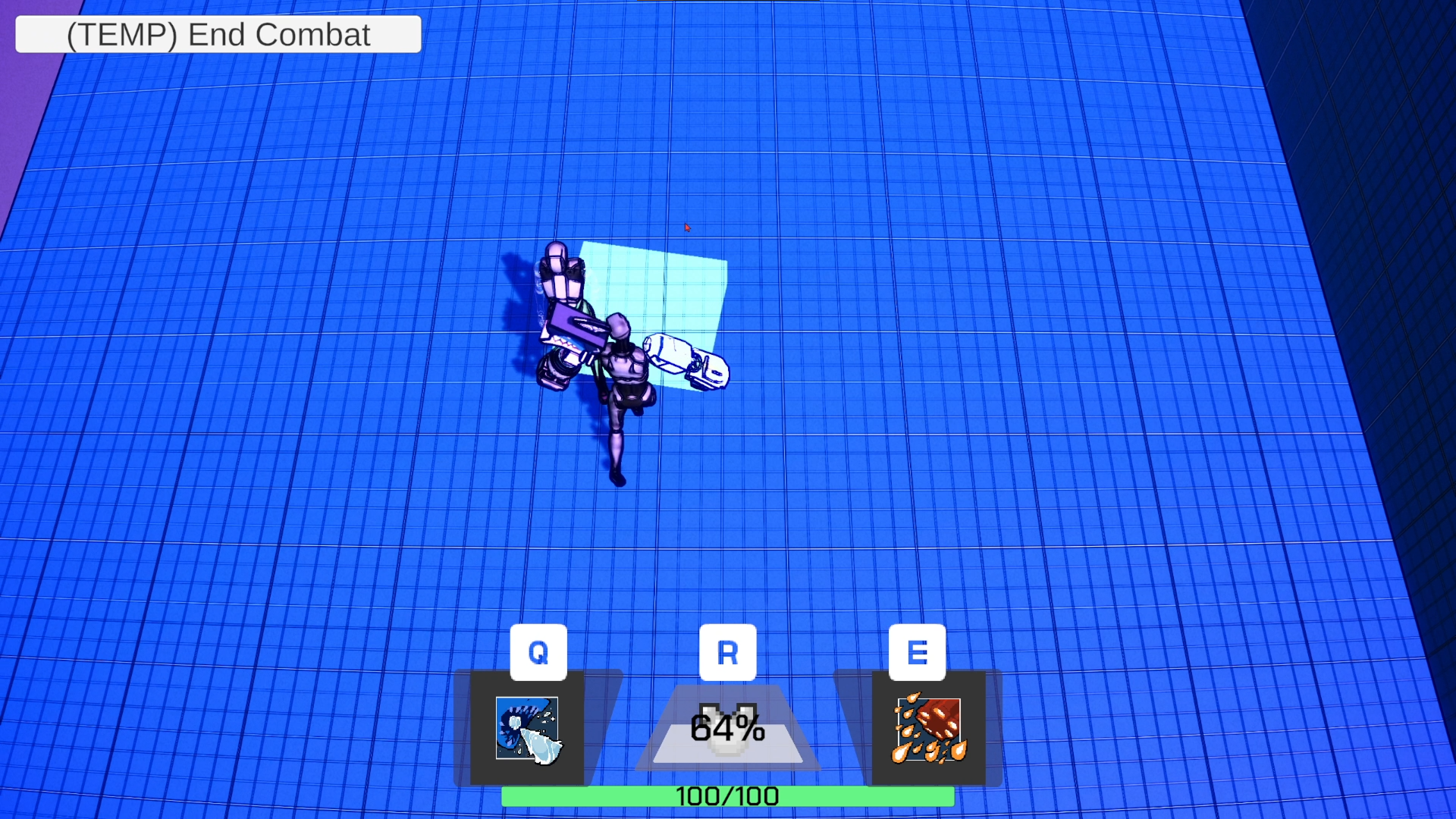
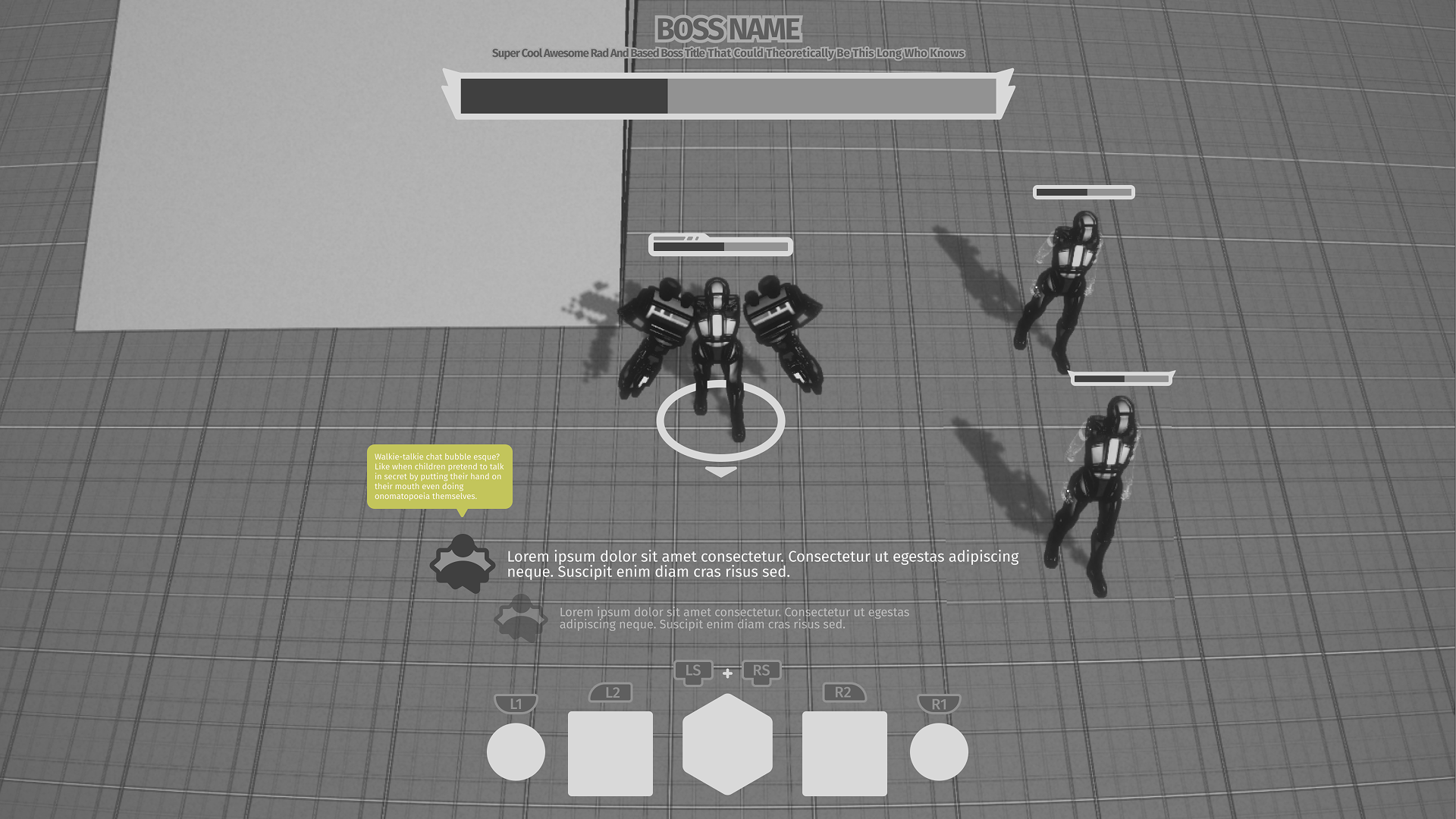
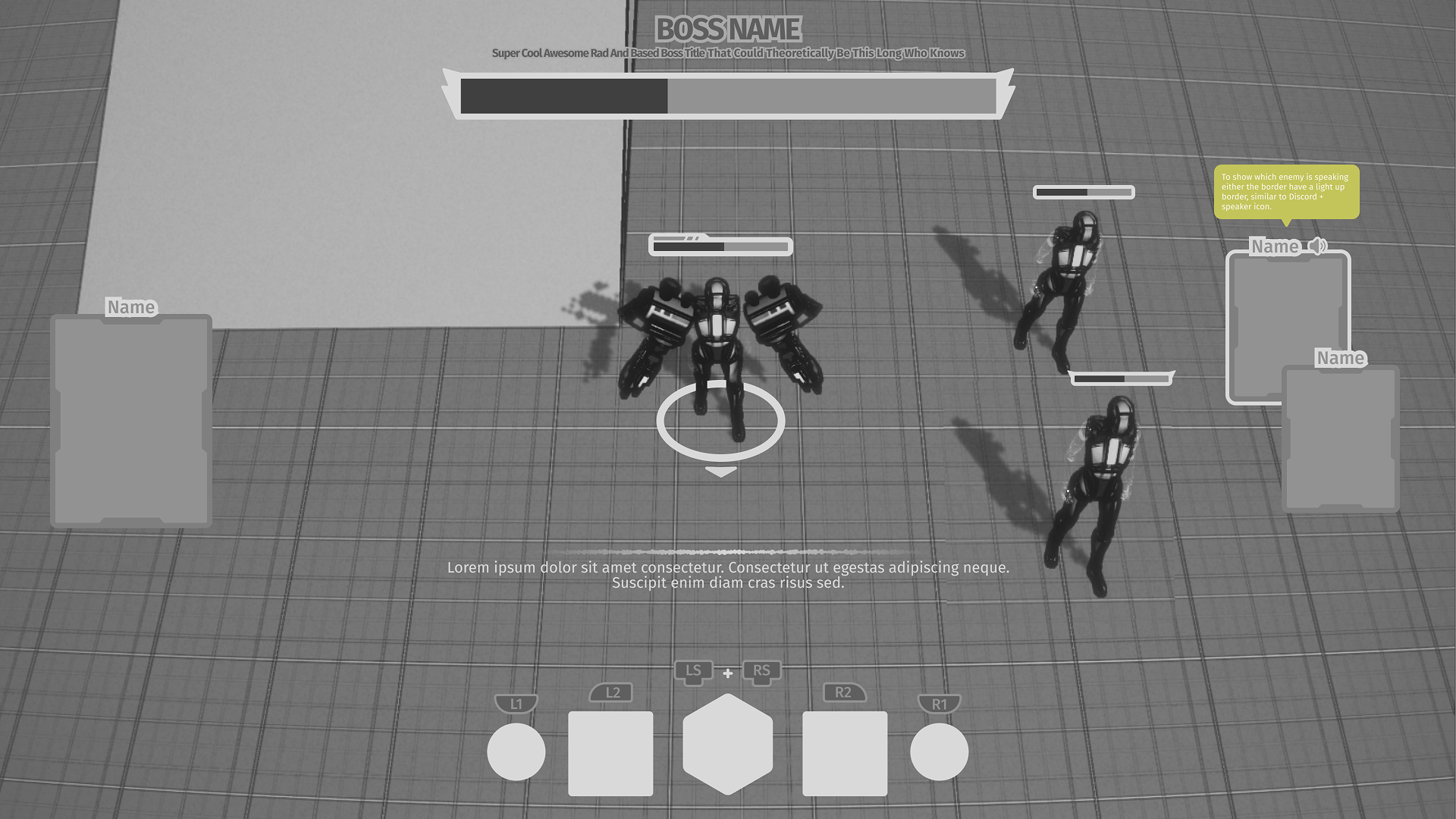
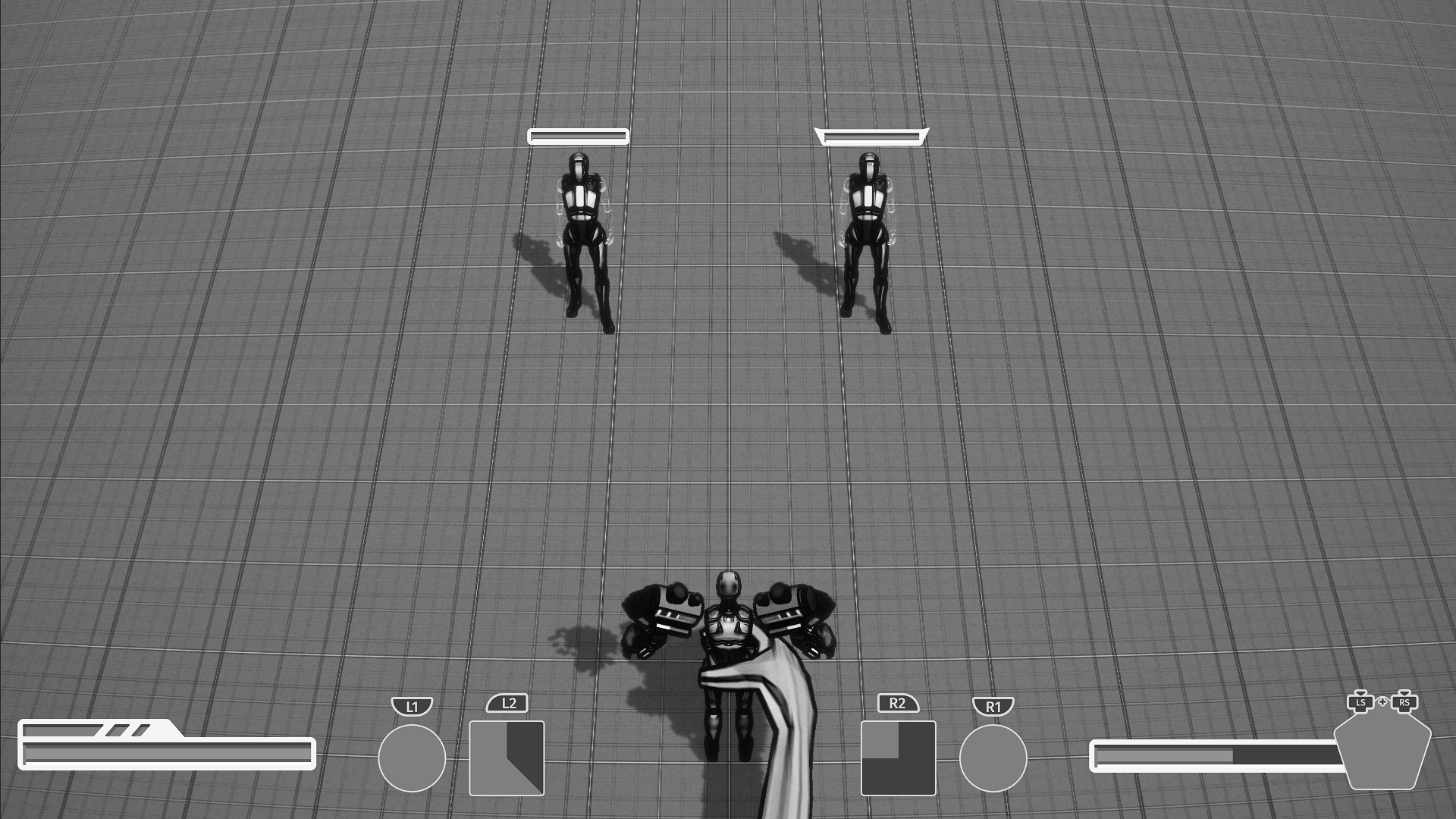
- Combat HUD felt lacking, not having an easy to understand layout where players can get used to which to press depending on the skill.
Task(s)
- Reformat Build-A-Bot that gives player the feeling they're a kid building a robot with whatever pieces they have.
- Iterate on player combat HUD that help players naturally grasp the keybinds based on the physical controller layout.
References
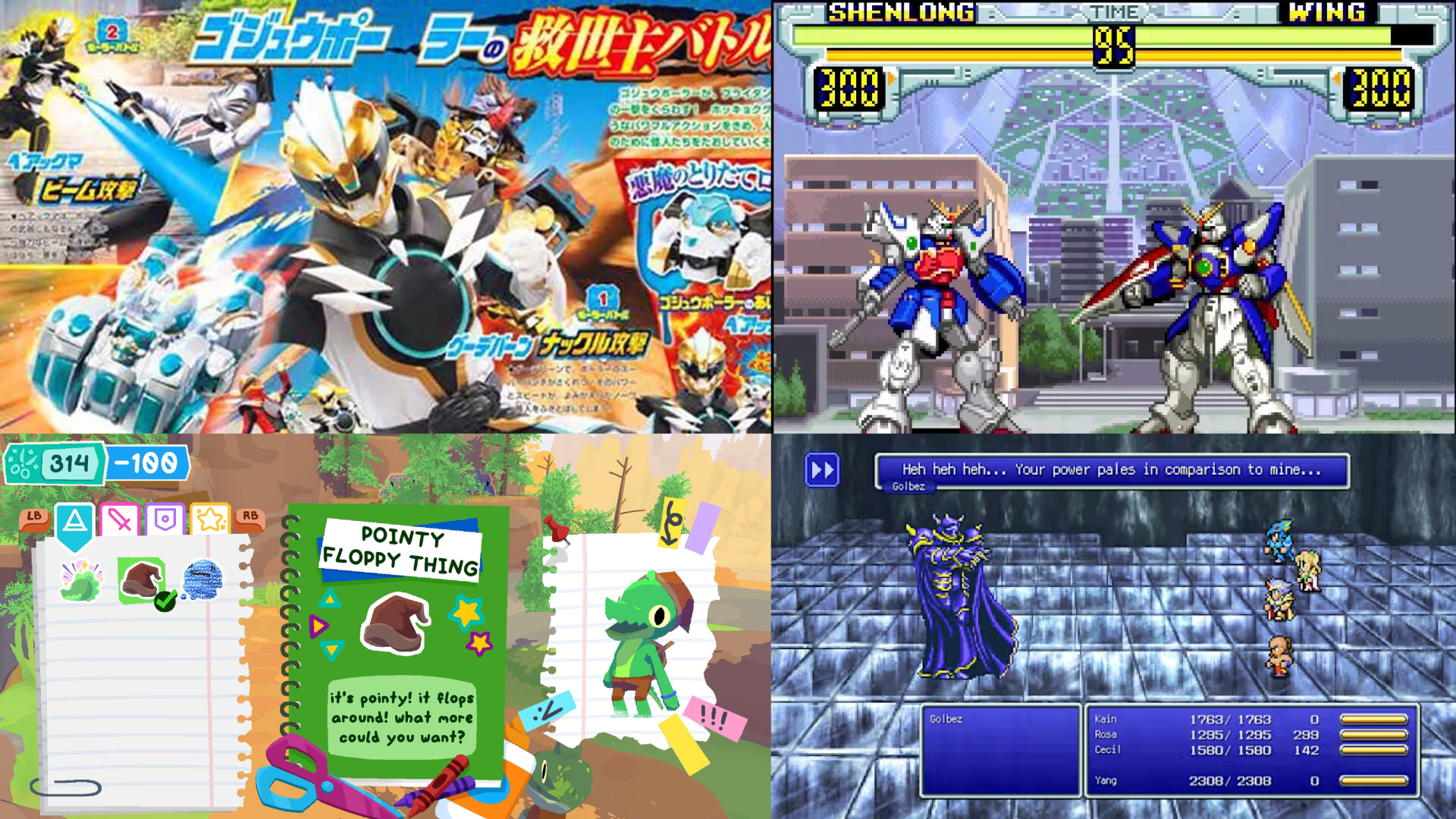
Retro, Nostalgic, Kid-Friendly
We wanted to follow the footsteps of similar visually pleasing narrative games like Gris, Neva, and Abzu. Keep the aesthetics of the UI relatively simple. We don't want the UI to take away from the game but still communicate to the player effectively.
- Outside of combat, menus should reflect Fleck's real life school environment.
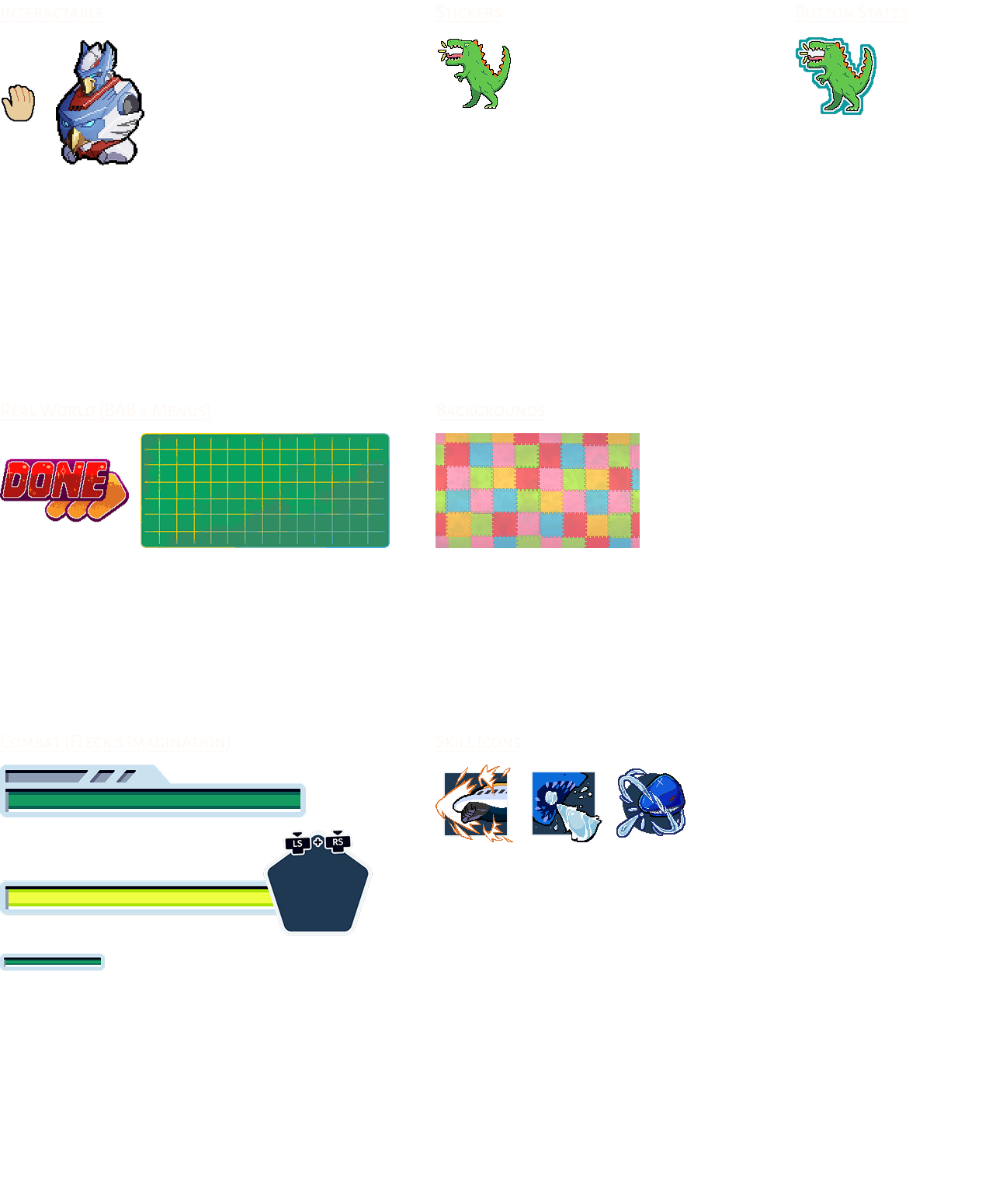
- Combat has more futuristic physicality of what retro RPGs would look in a child's imagination.
- Pixel art, dithering, avoid sharp(er) shapes unless necessary.
Iterations
Midfi
Many of the struggles was how to layout the information for players while giving players a more tactile feel. We want to make the experience feel that the players are actually within Fleck's school environment.
- Played around the idea of Build-A-Bot is laid out like a Gundam manual with thee classic green mat.
- It ended up not giving players an actual child's experience of playing with toys. Looked and felt too clean.
- Switched back to having a large bin filled with robot parts. Possibly with dividers to give players choice to organize the parts however they please.
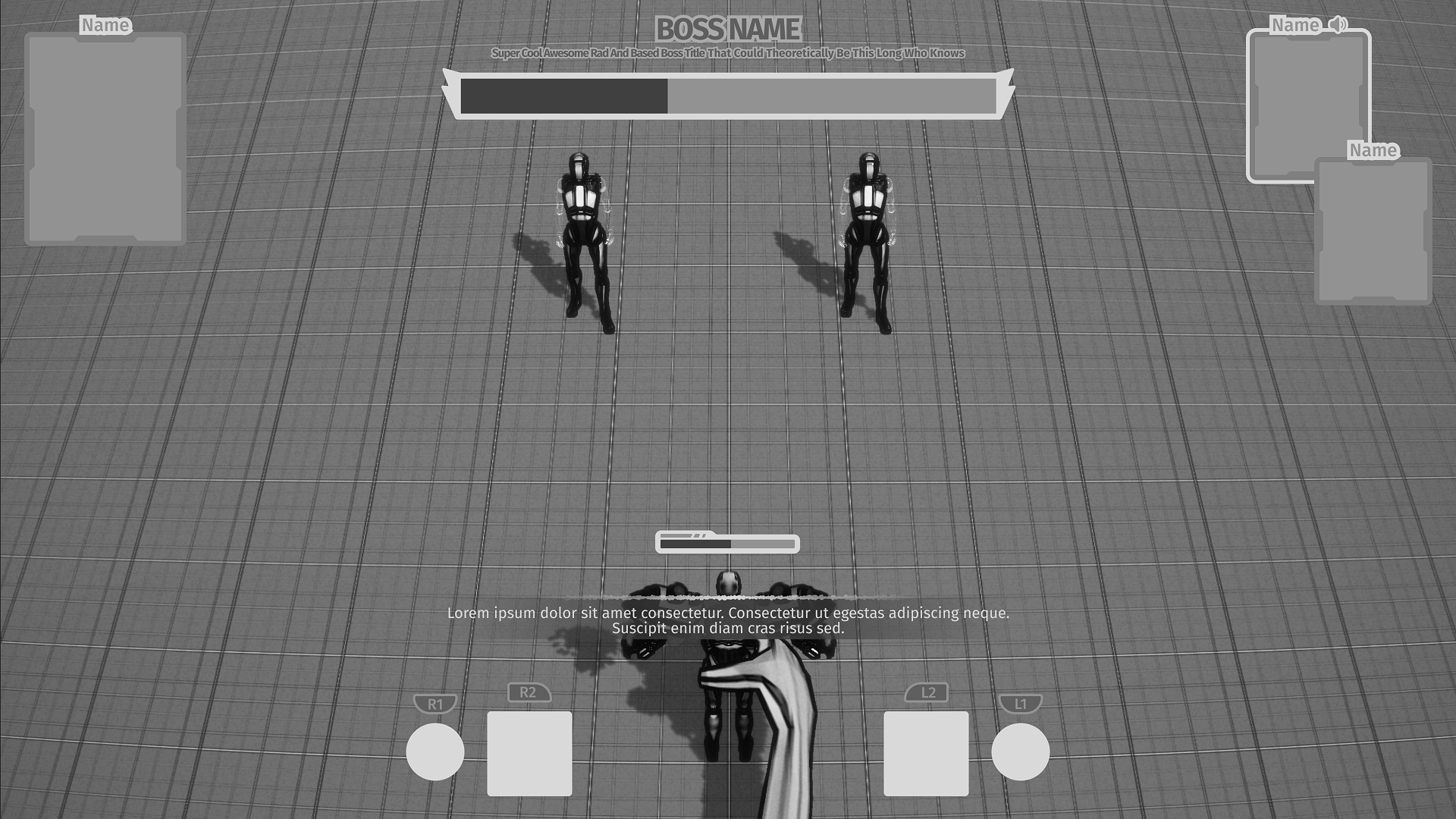
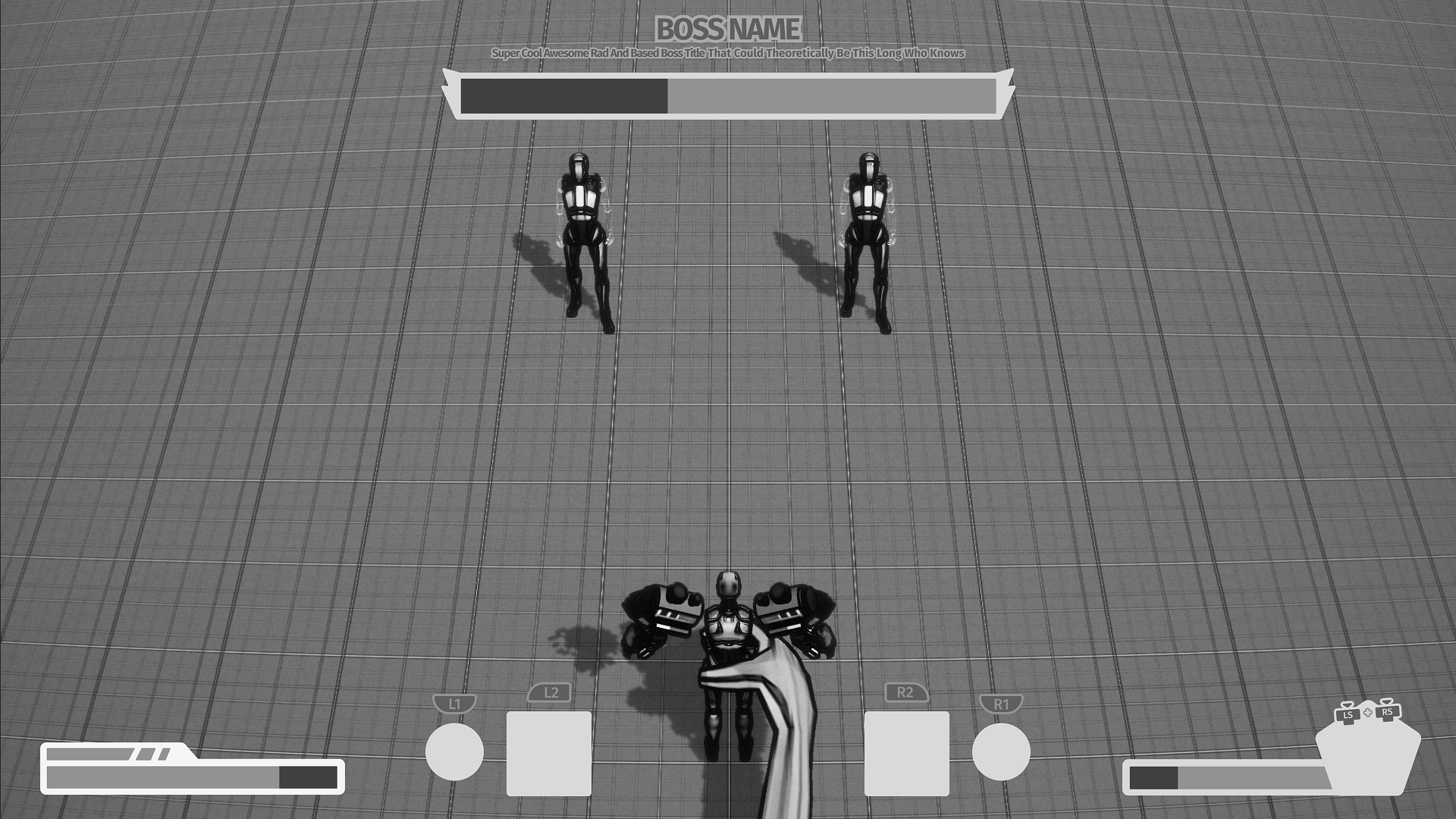
- Adjusted combat hud to emulate controller trigger and bumper positioning as Fleck's hand is permanently within the bottom middle area.
- By emulating controller trigger and bumper locations, players were able to easily remember which buttons to press. Lowered the learning curve.
- Moved around player's HP and Ultimate Energy bars to ensure players are able to get information about the player character easily and instantly know where to look.
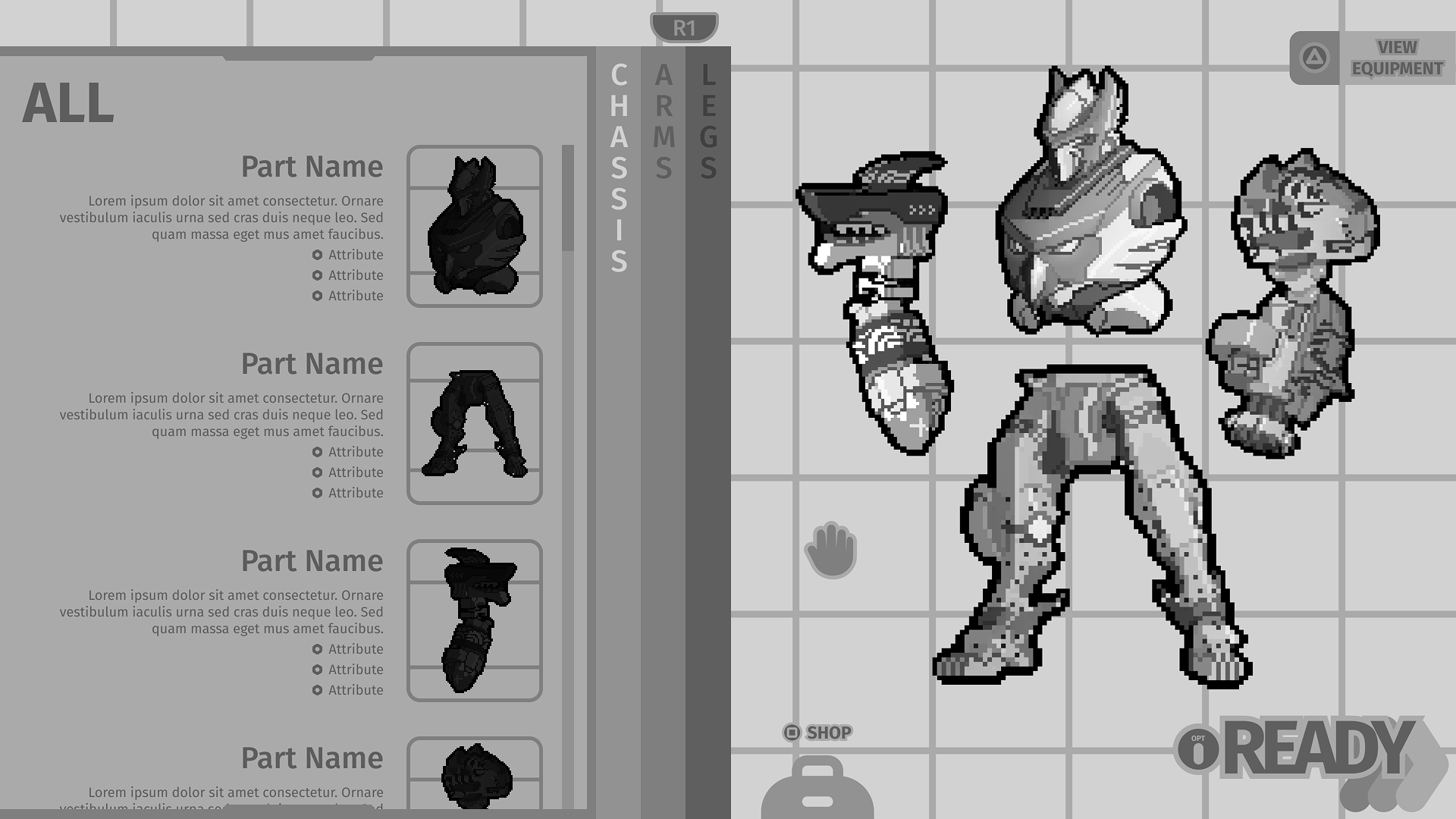
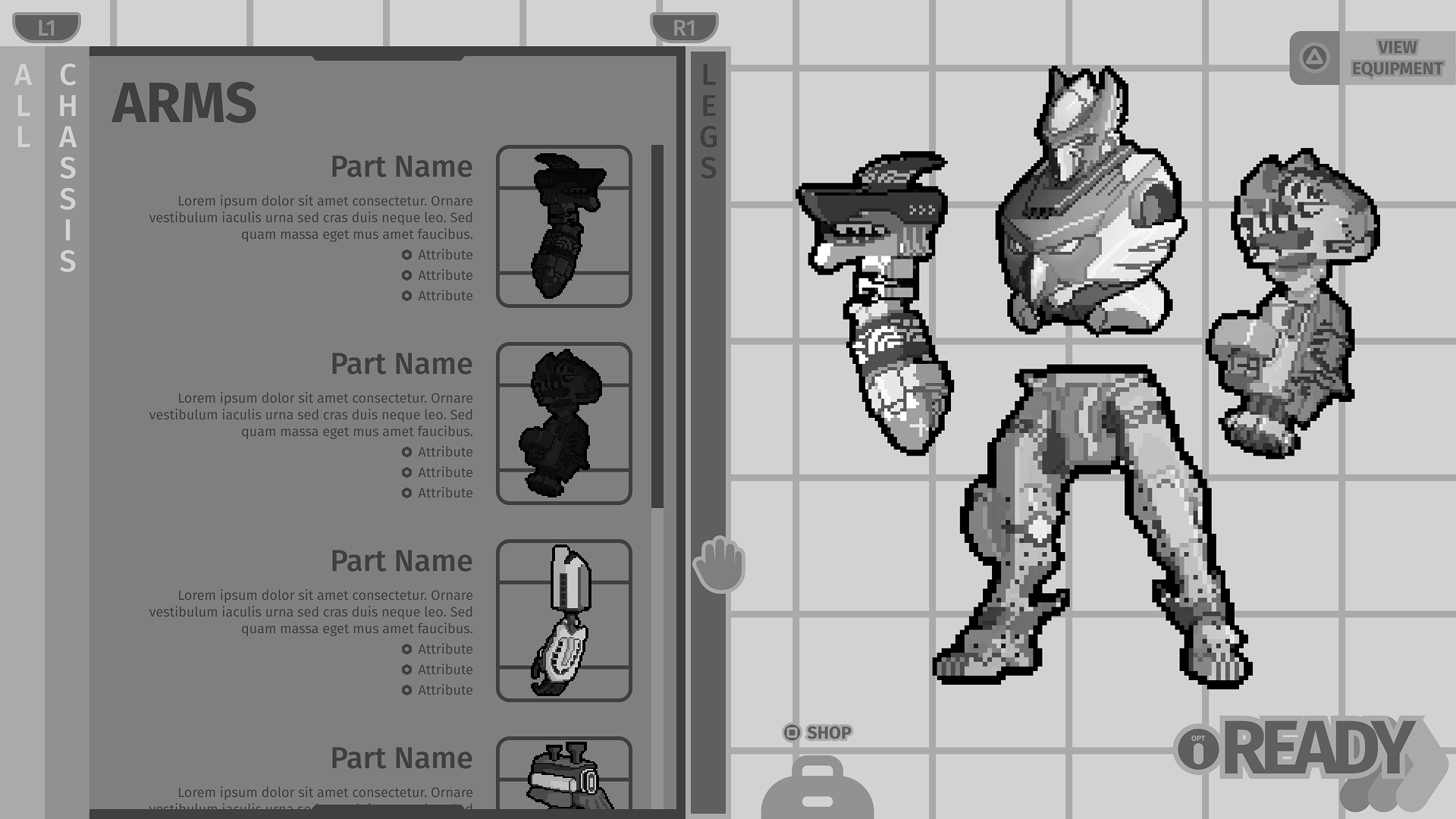
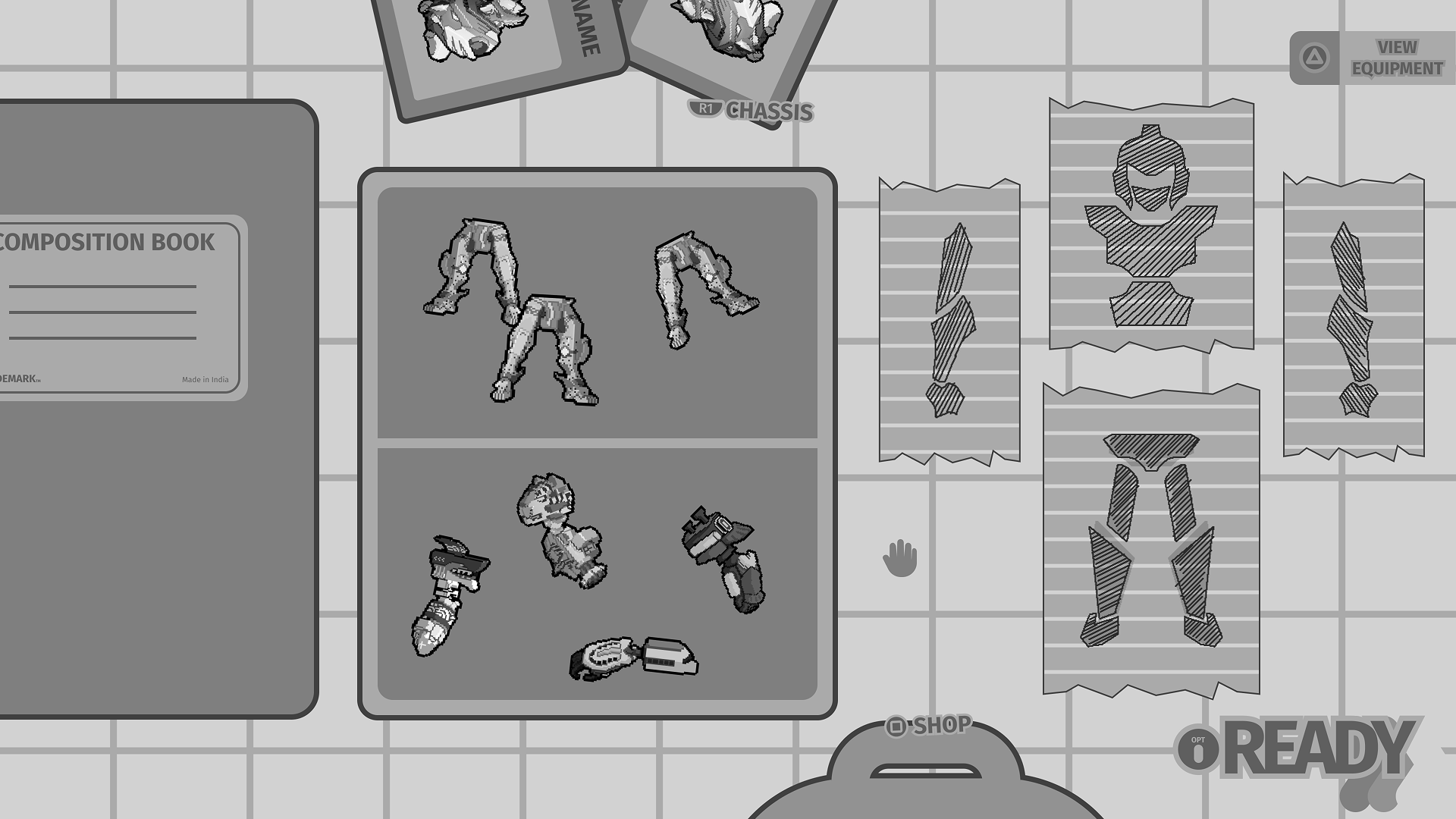
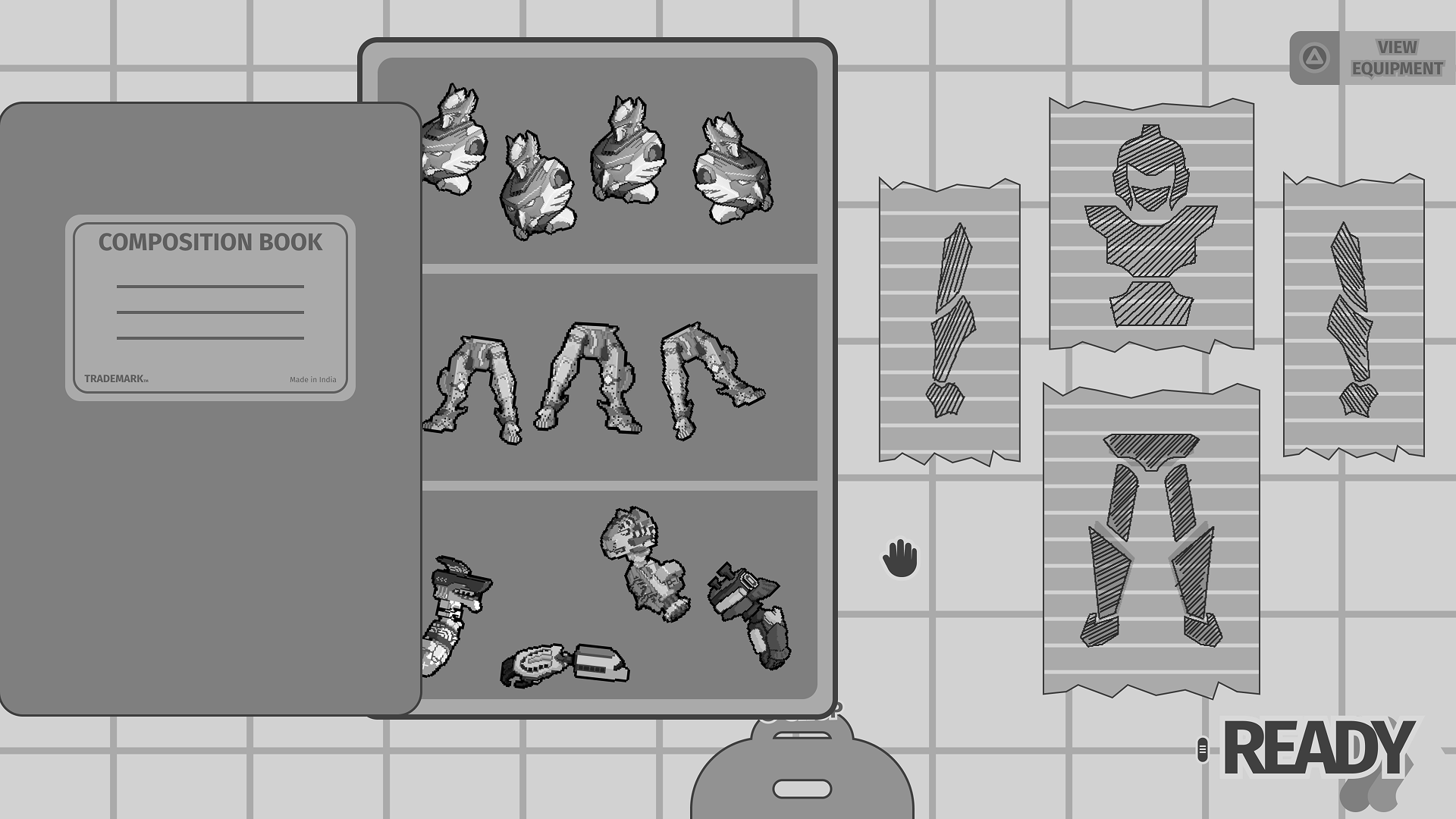
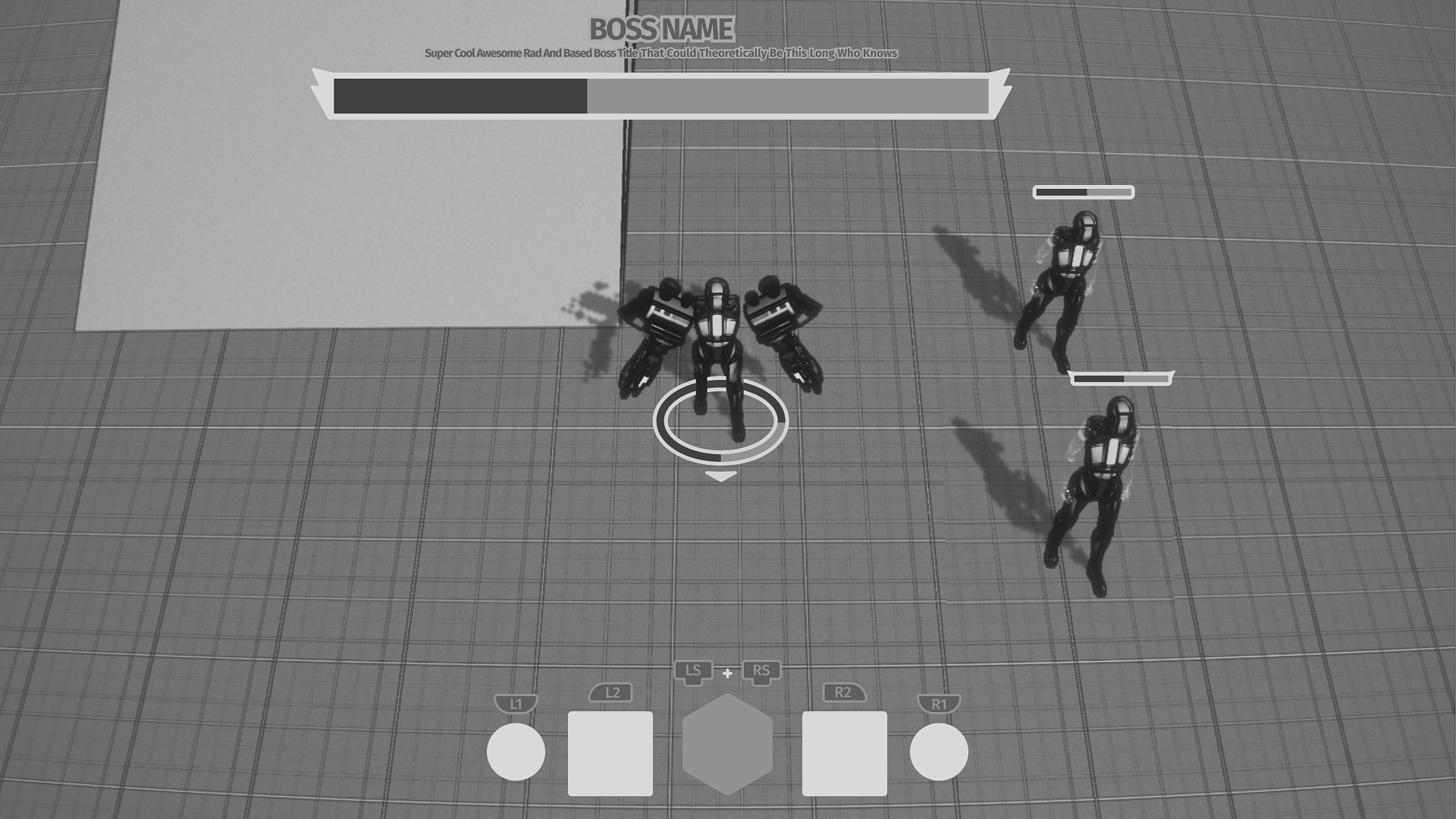
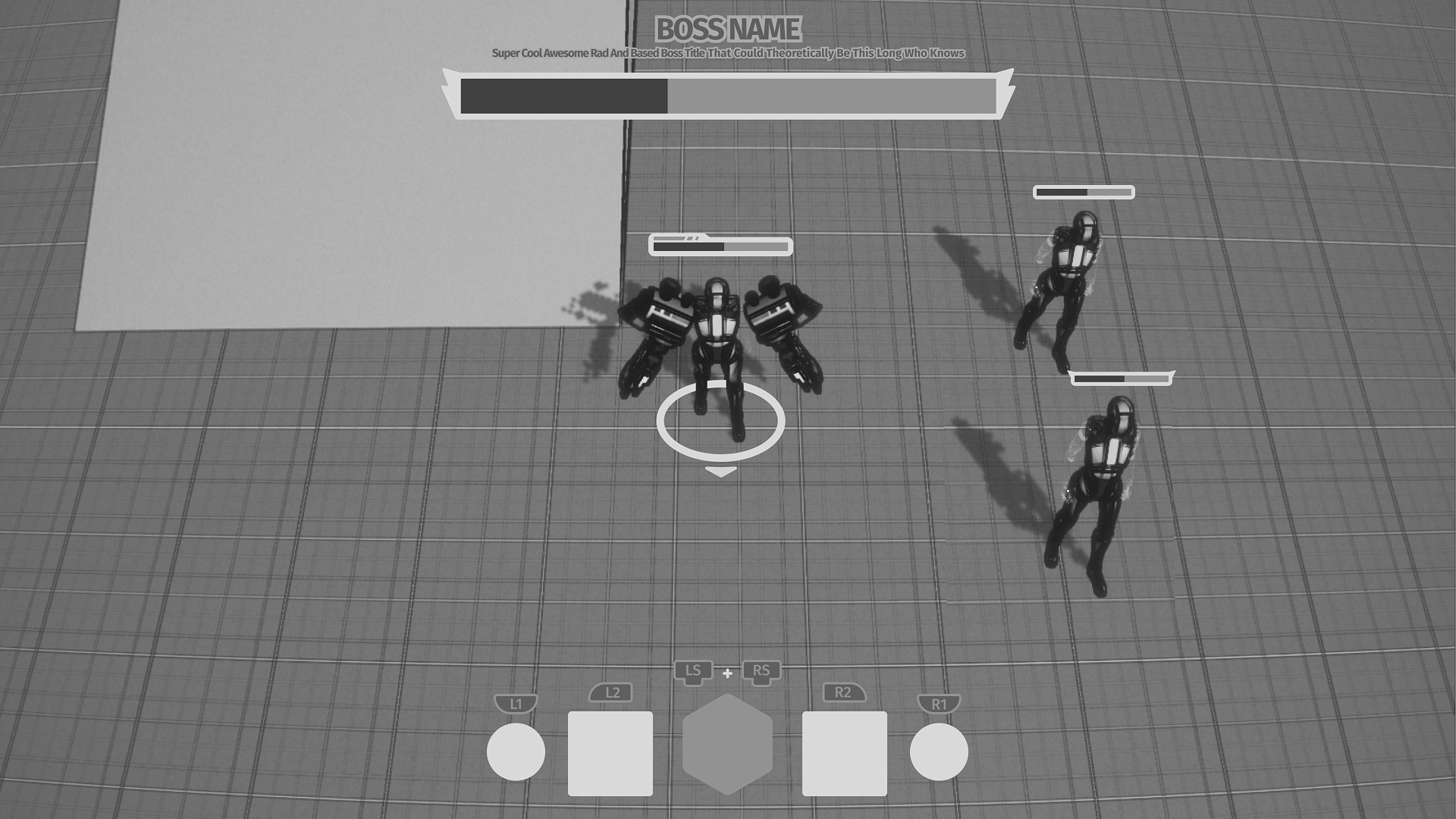
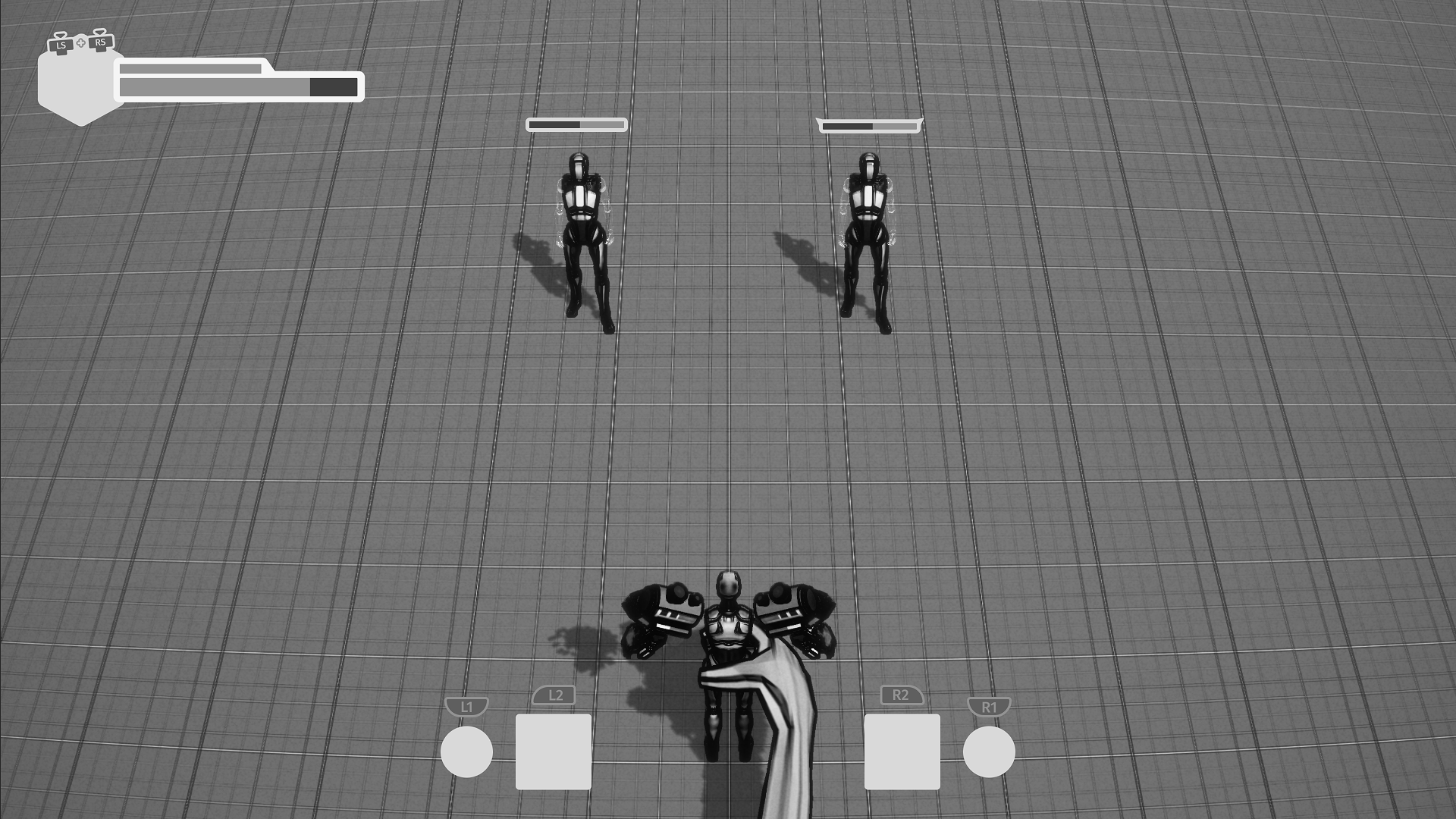
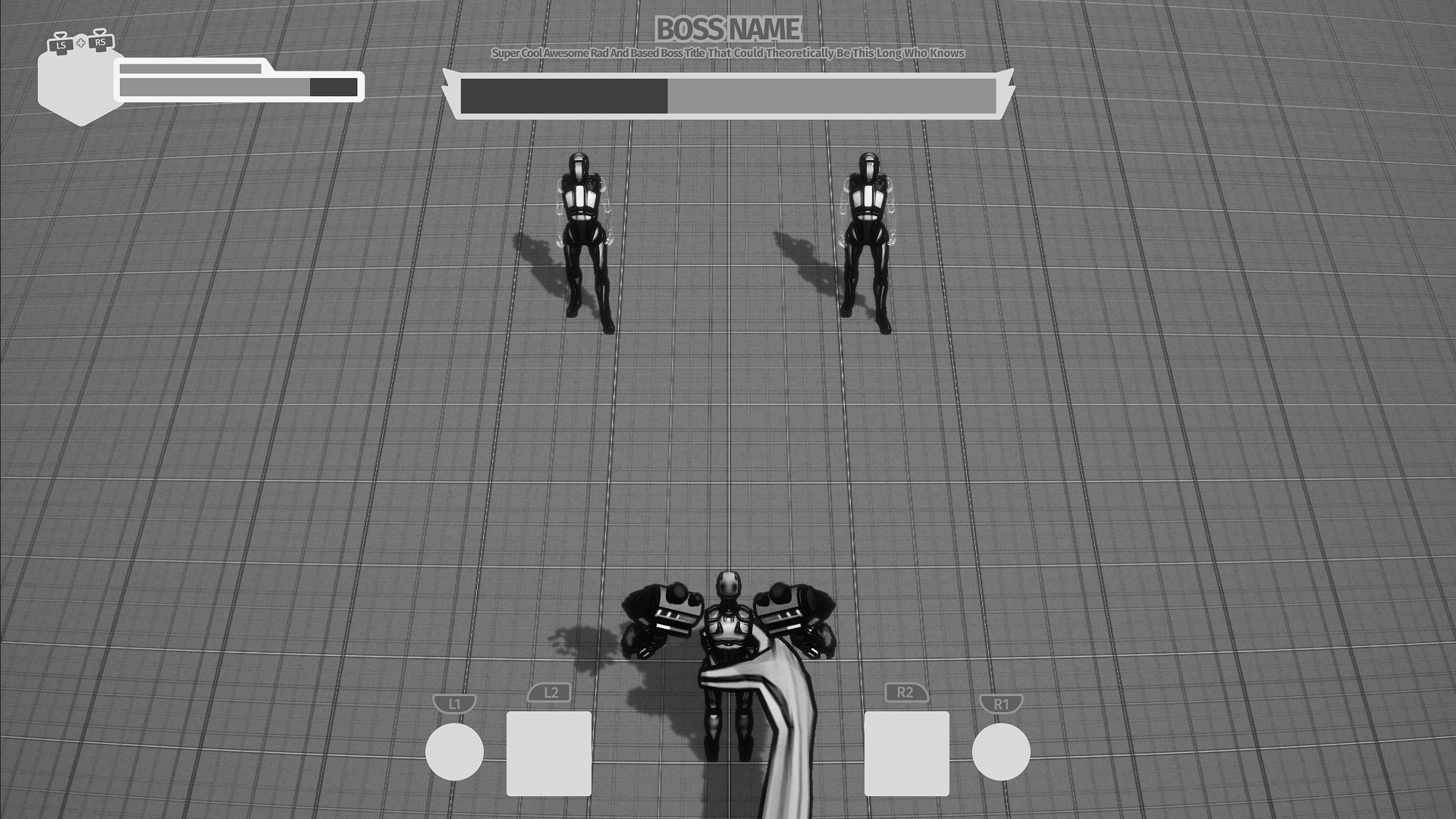
Iterations
Playable Prototype
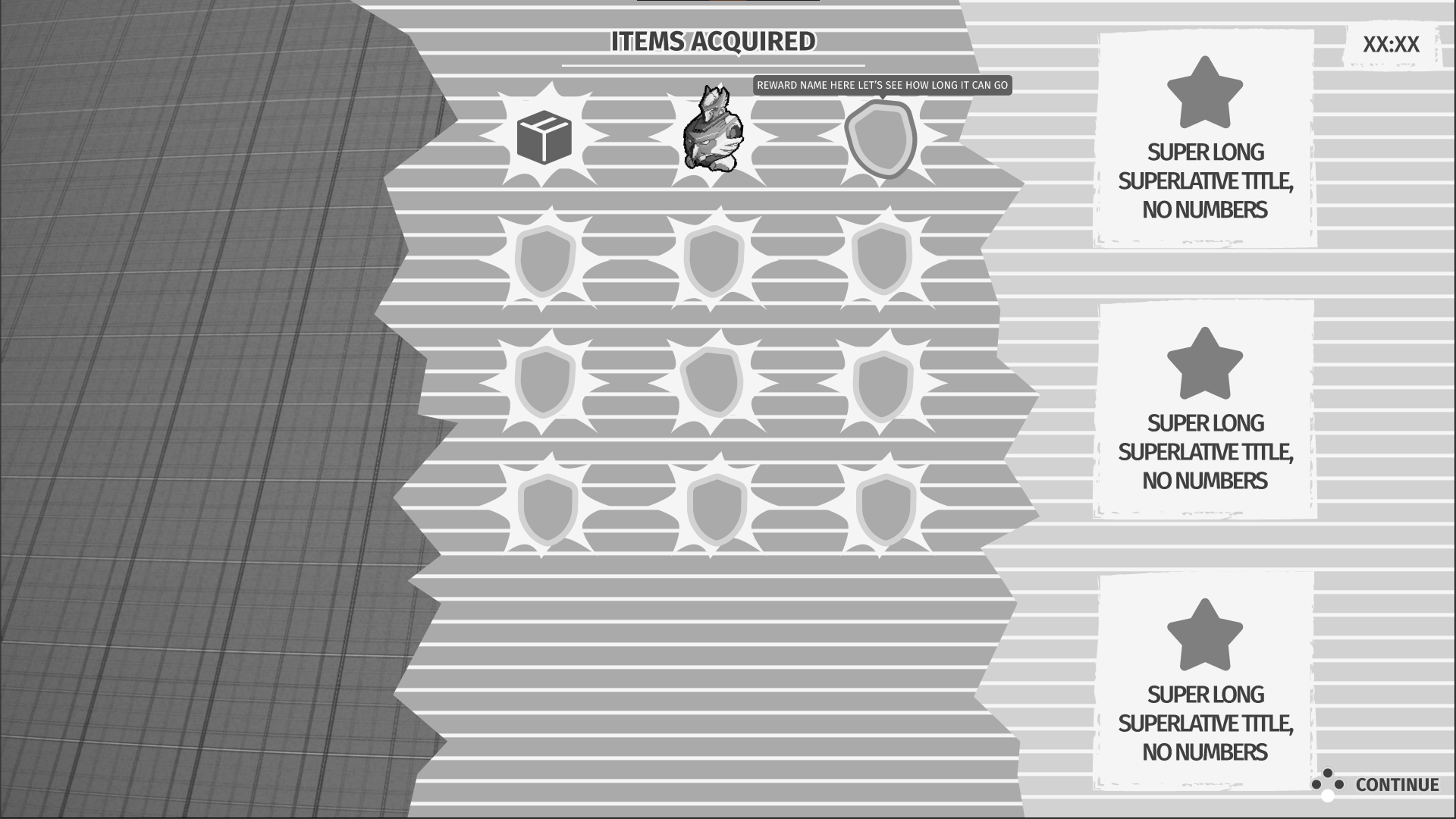
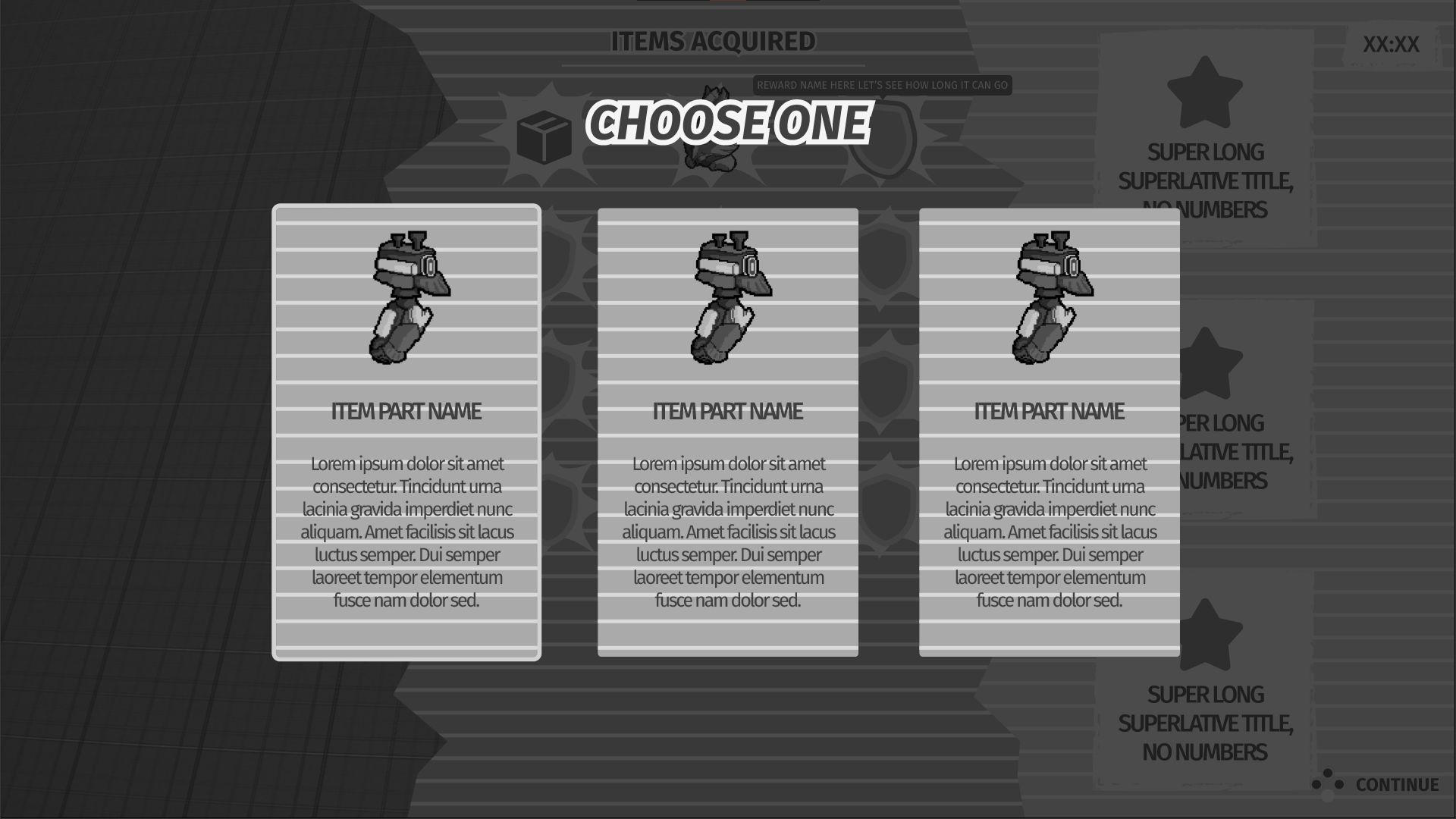
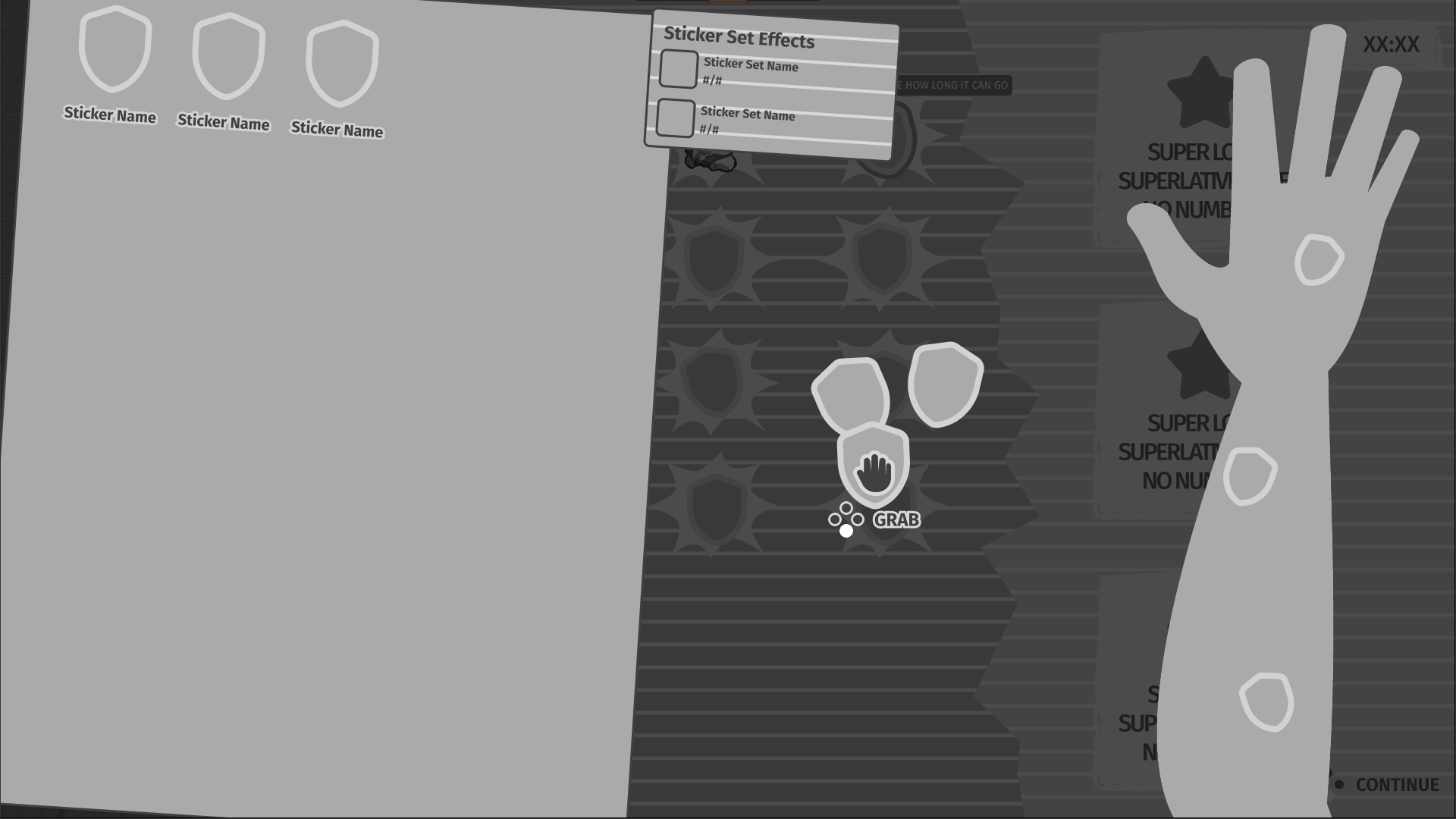
After multiple iterations based on user feedback, I was able to put together a playable prototype.
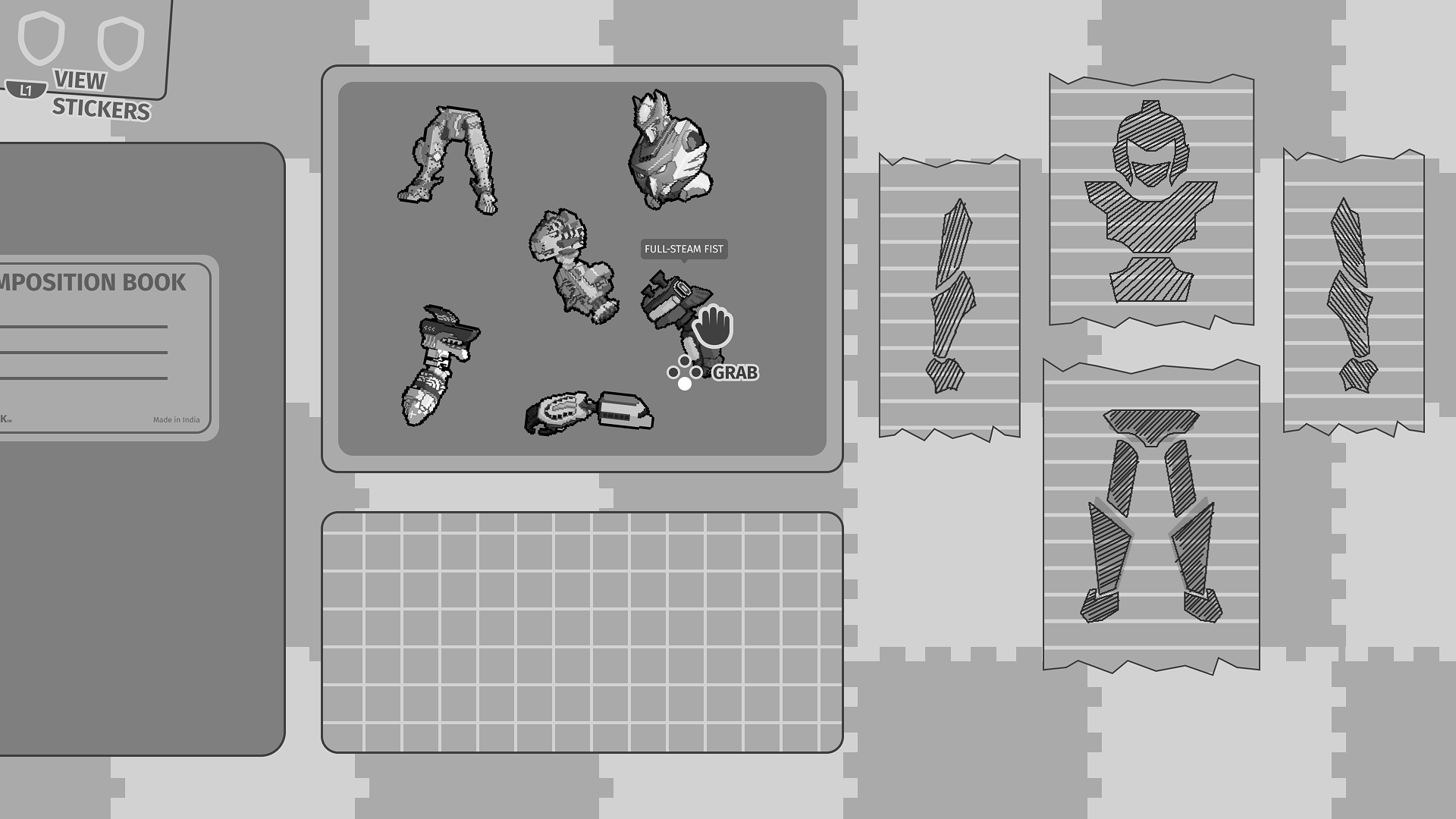
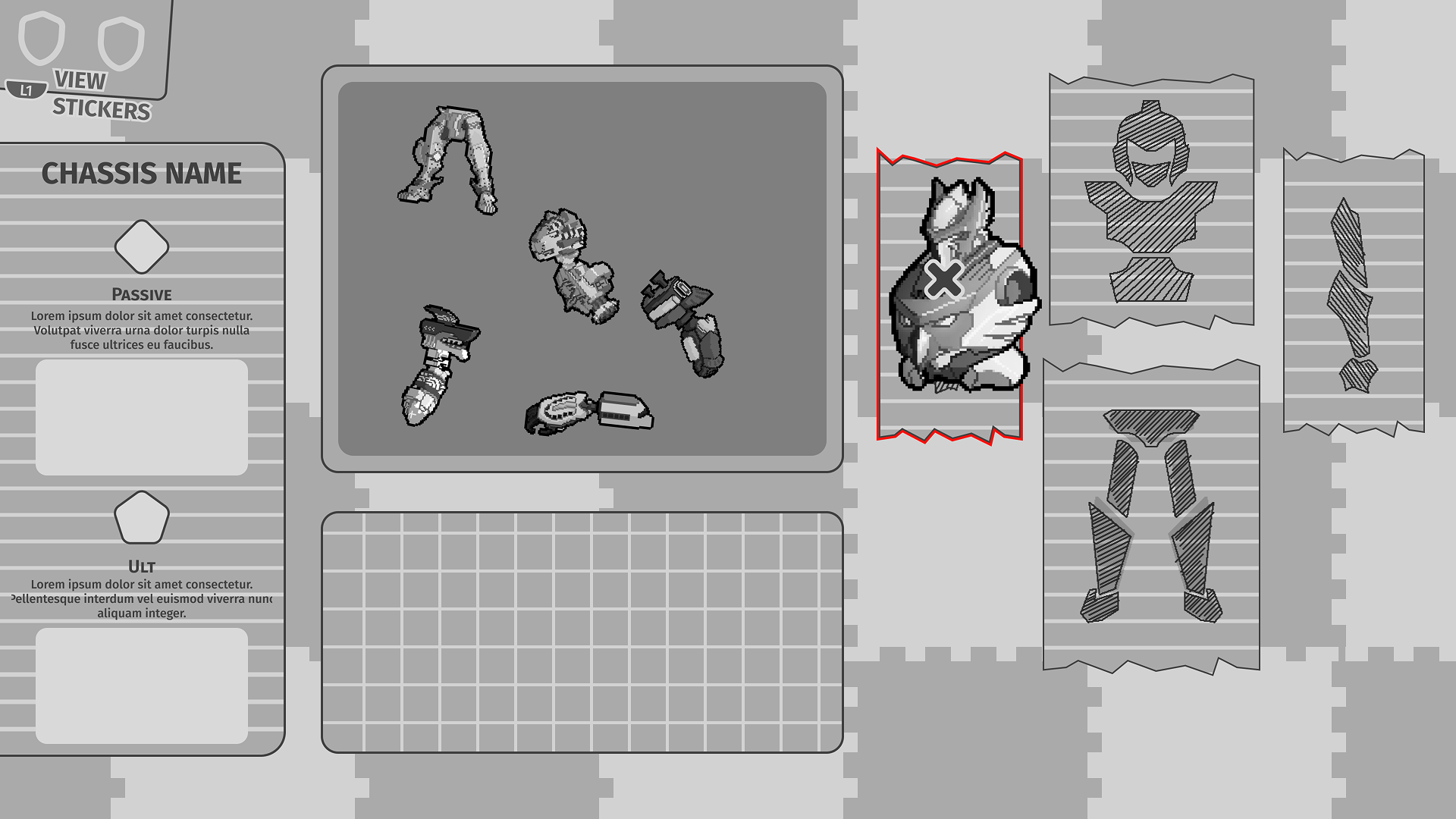
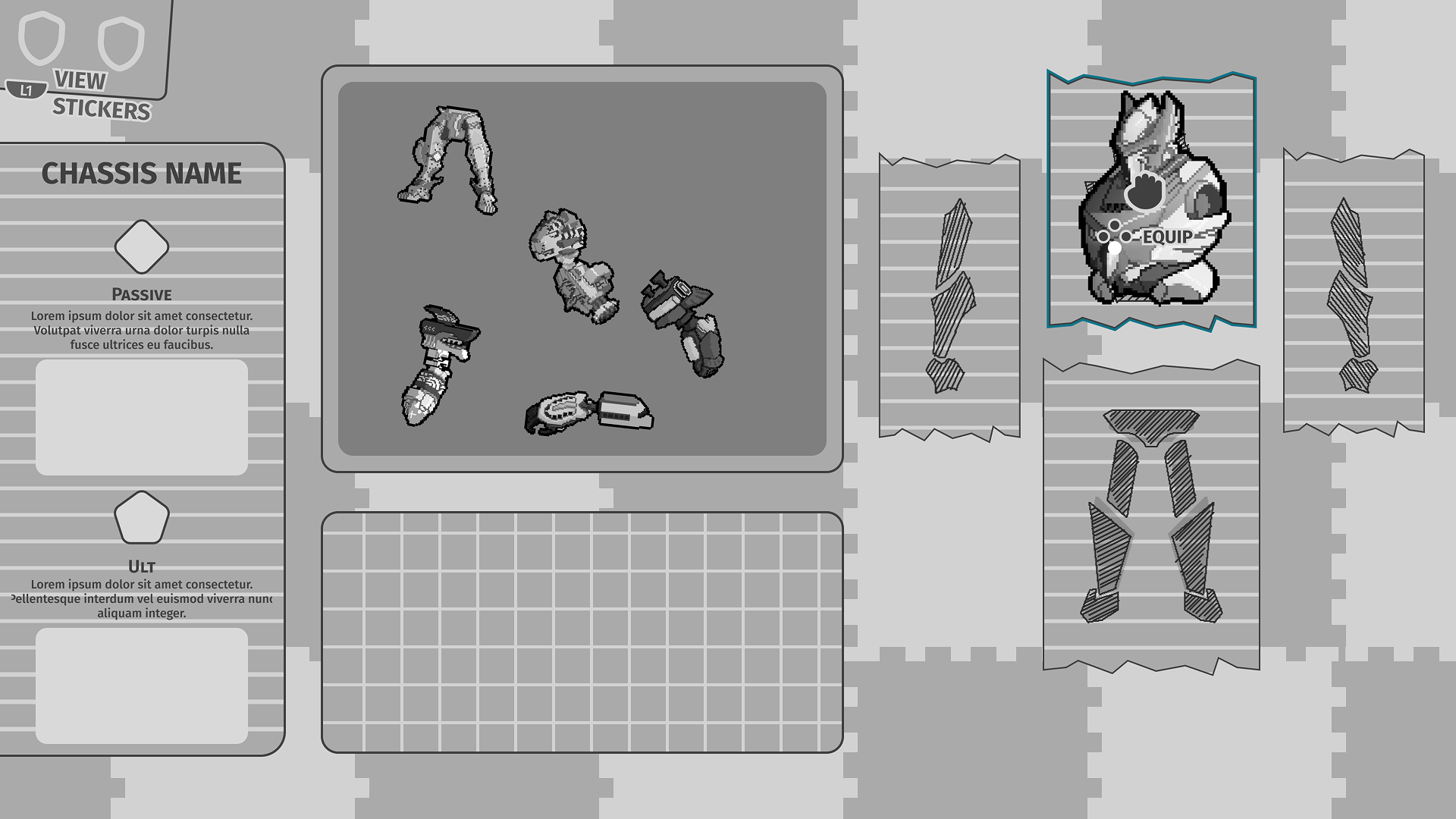
- Build-A-Bot:
- Removed the dividers leading to players having a more fun, chaotic experience of getting parts.
- Kept the green mat to act as an area that saves certain pieces players don't want free within the bin.
- Removed shop feature due to design changes, allowing more space for the bin and mat and feels like claustrophobic.
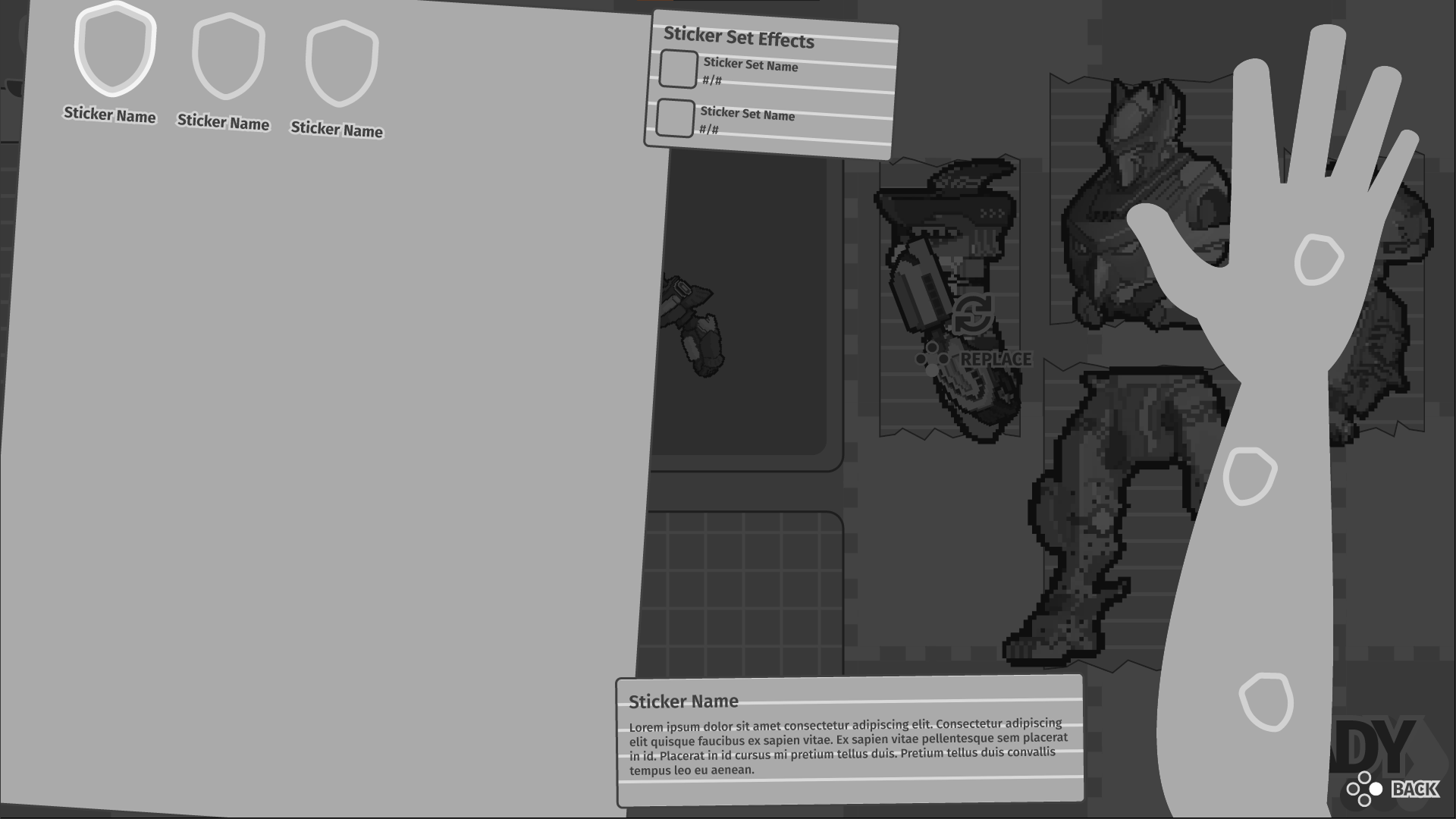
- Allow players to look at their current sticker effects during Build-A-Bot so they have an idea of which parts better fit their stats.
- Combat:
- Shifted high priority information the player needs to know all to the bottom so players don't have to shift their attention all over the screen.

Design System
Style Guide
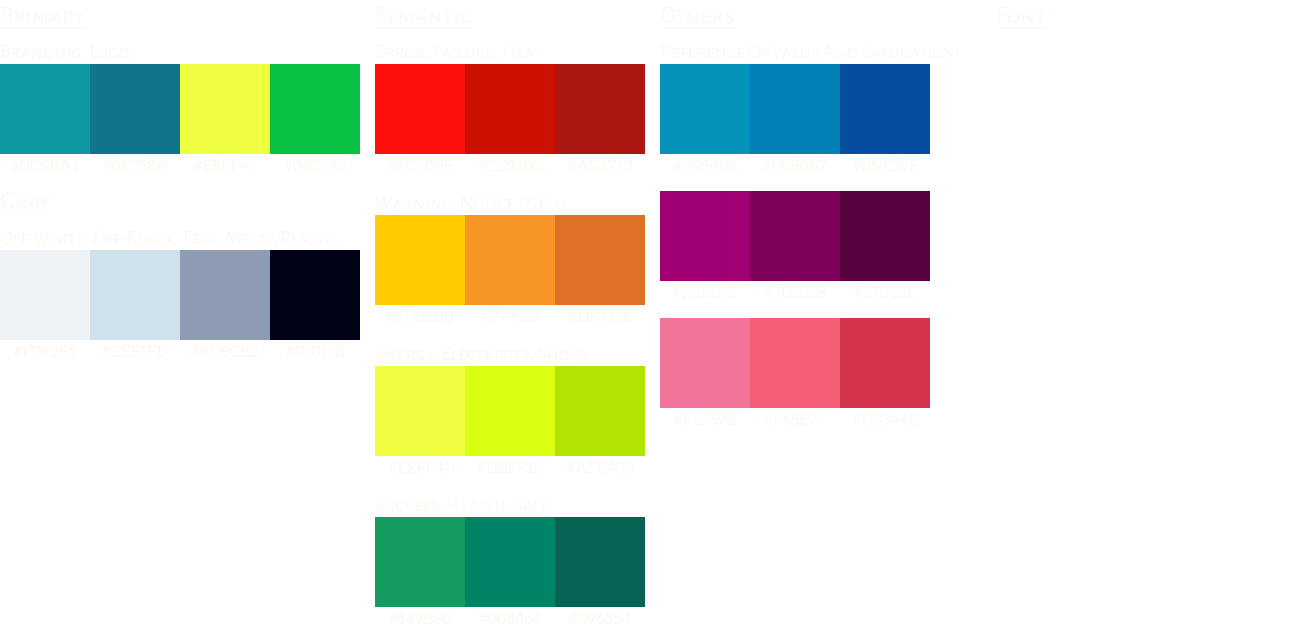
The game already had really good identity that I did not want to mess with. So I took the game's already existing colourful palette and gave it meaning. I wanted to make sure while also looking aesthetically pleasing players can glance at a colour and understand the surface meaning.
I did the same thing when it came to UI assets. While UI art was being done alongside UX design I noticed that there weren't a ton of rules established and it created additional conversations that were already discussed before. So I put together all the rules to help make the UI artist's life easier.
Apologies
This webpage is a work in progress.
Please come back another time.

controller

headphones recommended
For the best auditory experience, we recommend wearing headphones.

Start


00
:
00
AM